 Free
FreeTeam Sentiment for Workday Teams
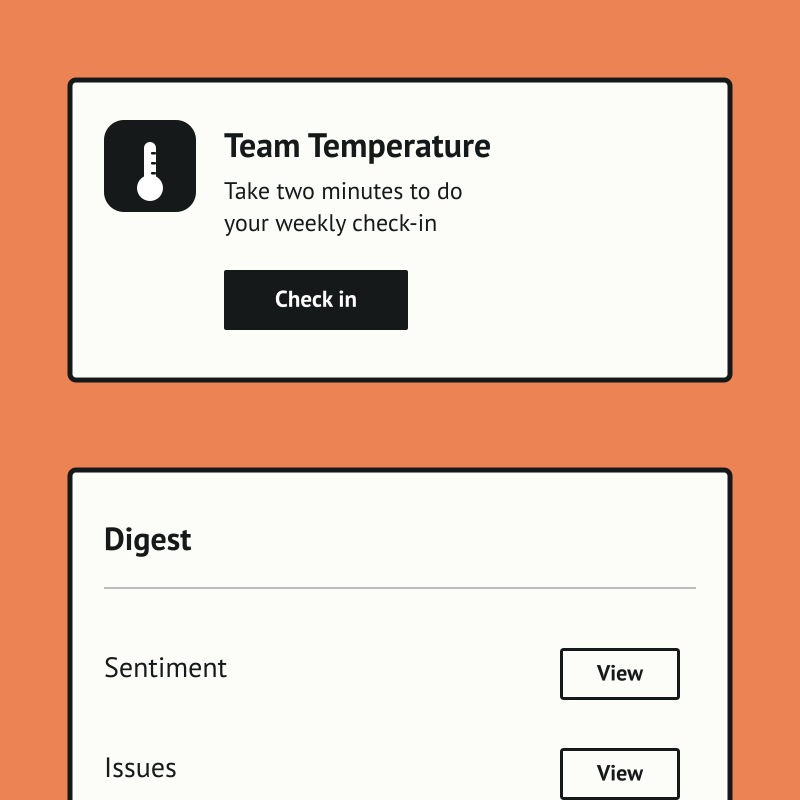
How's the team, really? A free two-minute weekly check-in, inside Slack.
Top brands trust Pyn



Team Temperature is a free, Slack-native weekly check-in that tells people teams and managers how the team is really doing. A two-minute DM captures a morale score and a few comments, with no portal, password, or extra tab, so the habit actually sticks.
Team Sentiment is free, and it runs standalone for now — you can start using it today by uploading your own people data (exported from Workday, for example). If there's enough interest we'll build a direct Workday integration so it syncs automatically. Book a demo and we can cover it.
The payoff is an early, trustworthy signal instead of a once-a-year survey. Managers get a weekly digest with trends and per-person comments, optional AI flags the answers worth attention, and HR sees company-wide pulse and teams to watch.
Features Spotlight
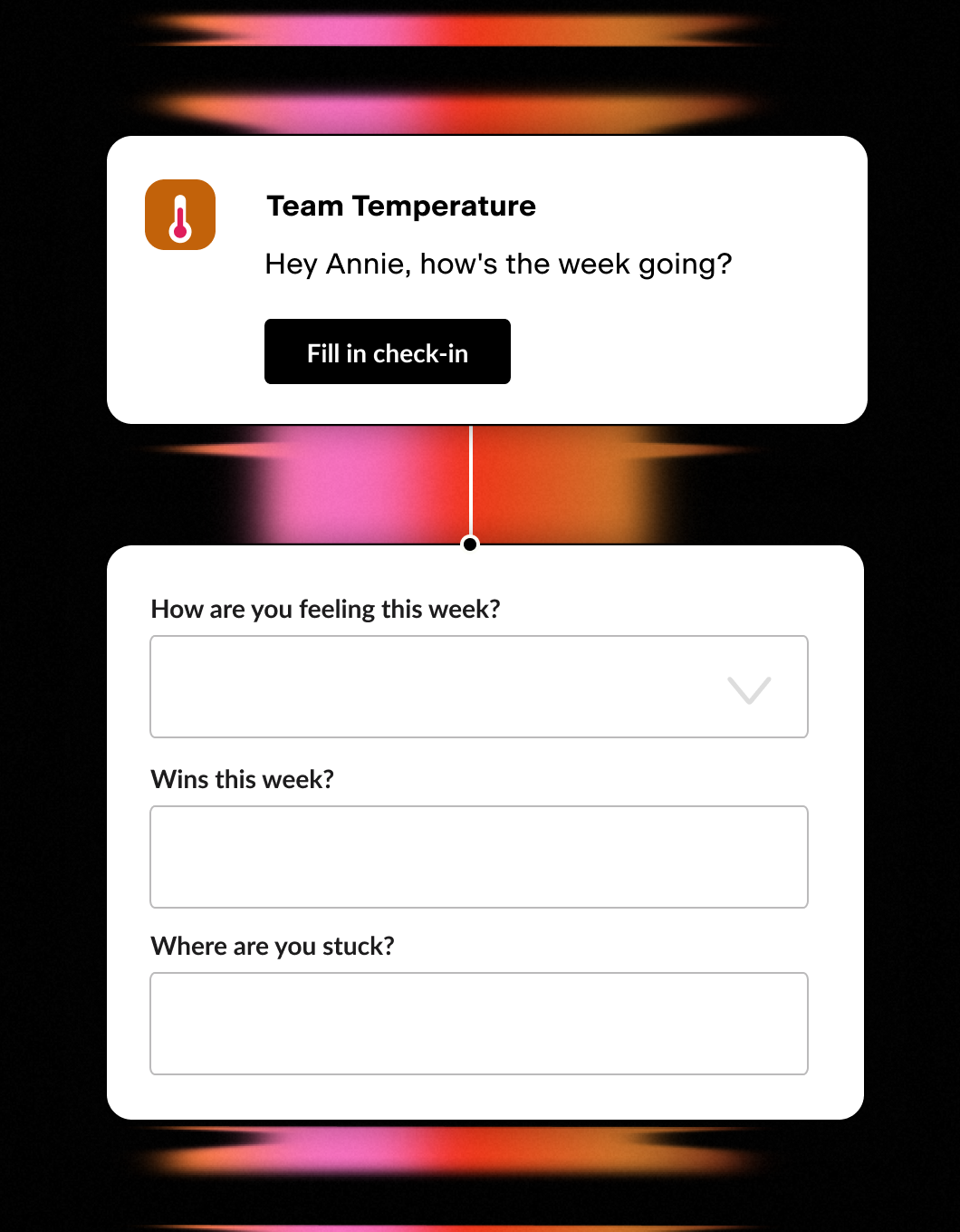
Weekly Two-Minute Poll
- One quick Slack DM a week
- Morale score plus a couple of questions
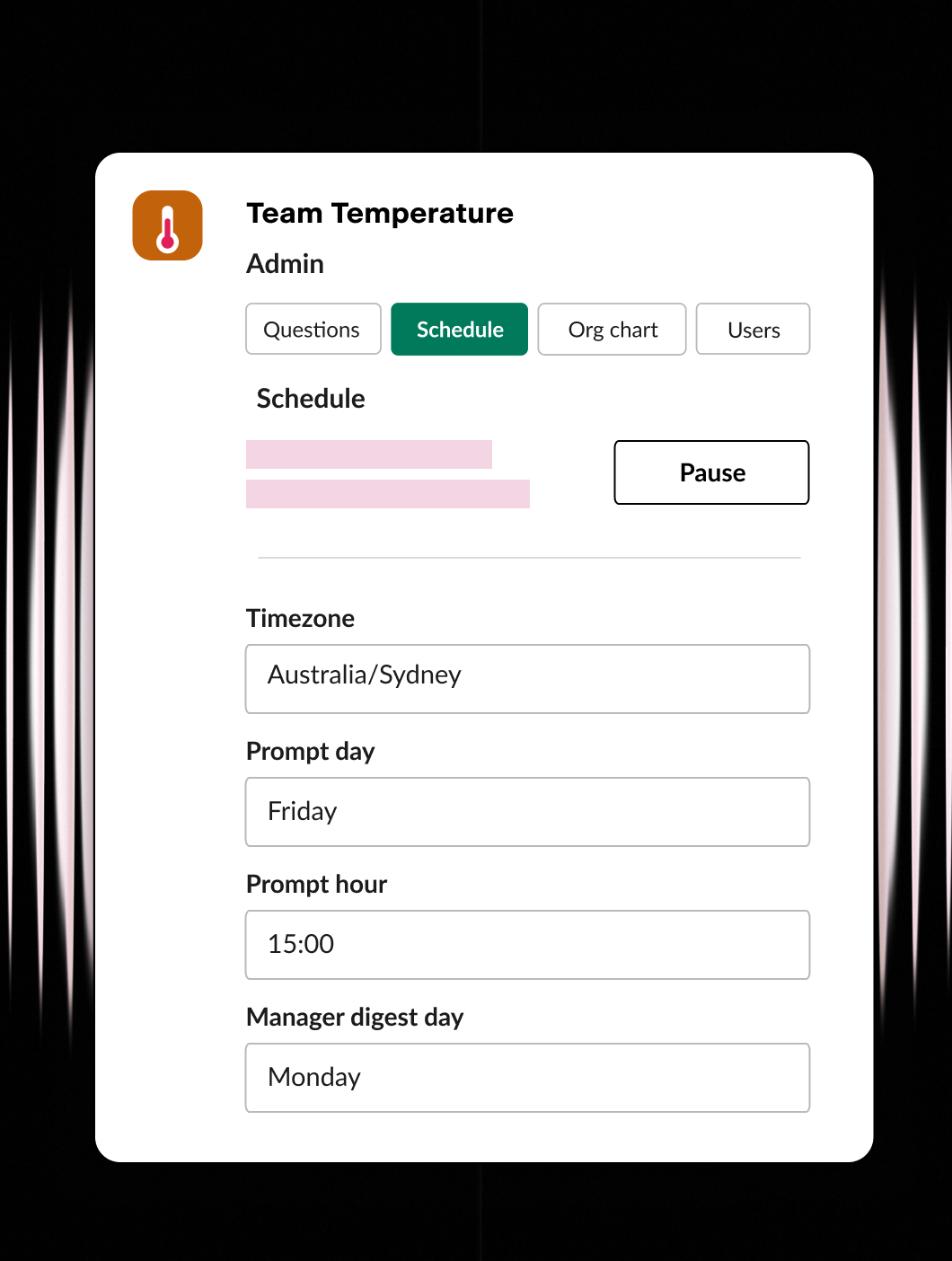
Set it up your way
- Ask the questions that matter
- Set the day, time, and timezone
- Configure users and org chart
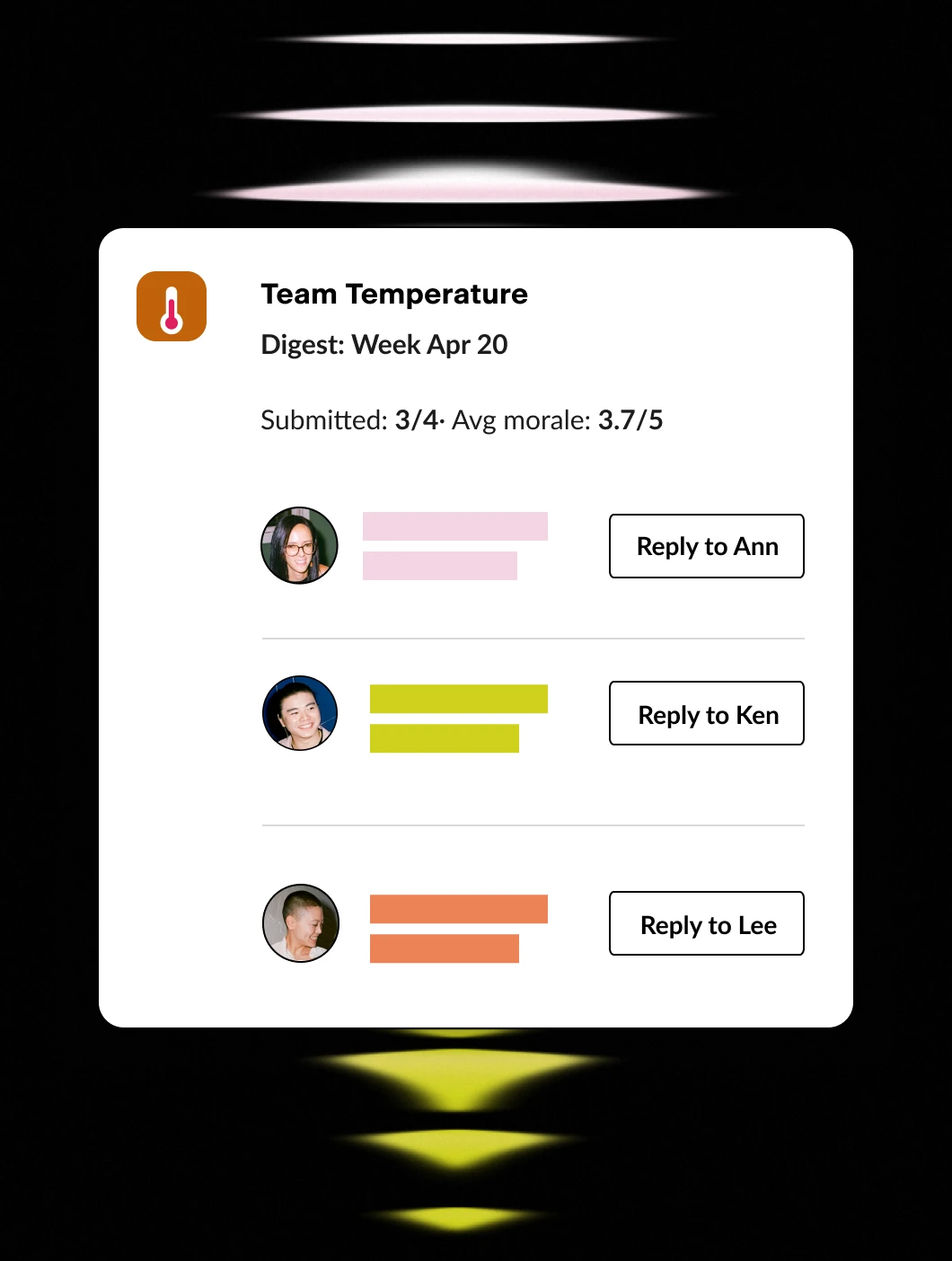
Stay in the know
- Weekly digest for managers
- One-click reply to anyone
- Company-wide rollups for HR / CEO
Workday knows when someone starts, gets promoted, changes teams, or hits their anniversary. Pyn uses that data to:
- Send timely messages to the right person - through Slack, email, or Teams.
- Send polls and forms - like probation checks or onboarding buddy selection.
- Automate integrations - like adding people to a Calendar invite or Slack group.
- Set your HR Calendar - to manage salary reviews, holidays or company events.
No manual emails. No spreadsheets. No one has to remember.
Workday captures your people data. Pyn puts it to work.
Workday is excellent at what it’s built for: storing employee data, tracking org changes, managing payroll. What it’s not built for is reaching employees in the flow of their day with messages that actually feel personal.
Pyn sits on top of Workday and does exactly that. When something changes in Workday, Pyn reacts. It sends the right message, to the right person, through Slack, Teams, or email.
Why connect Pyn and Workday?
Turn Workday events into employee moments. A new hire added, a promotion recorded, a departure logged. Pyn listens for changes in your Workday data and triggers the right communications automatically. No one has to notice, remember, or act manually.
Reach people where they actually work. Most employees rarely log into Workday. Pyn meets them in Slack, Teams, or email instead, with messages that feel like they came from a real person rather than a system notification.
Personalize using your Workday data. Pyn uses the fields you pull from Workday (role, department, location, manager, tenure, and more) to tailor every message. An engineering manager in London gets something different than a new sales hire in Austin.
Cover the whole lifecycle. Onboarding is just the start. Pyn also handles things like promotions, internal moves, parental leave returns, manager transitions, and offboarding, and more or less any other moment driven by a change in Workday.
How to connect
Does Pyn integrate with Workday?
Yes. Pyn connects to Workday via the Report as a Service (RaaS) feature. Pyn’s team handles the validation and setup. See 9 Workday integrations worth knowing about for more context.
What data syncs from Workday?
You control which fields are imported. Basic demographics like name, start date, department, manager, and location come across by default, but you can bring in additional fields depending on what you want to trigger.
How long does setup take?
It involves a few steps with your Workday Admin to configure the RaaS report, then Pyn validates the connection. Our team guides you through it.
FAQs
Can I personalize messages using Workday fields?
Yes. Pyn uses any field from your Workday data to tailor content: role, region, tenure, manager, and more. You can show or hide message sections based on any attribute.
Does Pyn only work for onboarding?
No. Pyn covers the full employee lifecycle — pre-boarding, onboarding, promotions, anniversaries, leave, offboarding, and more.
Where do messages get delivered?
Slack, Microsoft Teams, or email — wherever your people actually work.
Is my Workday data secure with Pyn?
Pyn is SOC 2 compliant. We only pull the fields you choose, and you can review exactly what data we’re pulling at any time.
Your HR stack, with superpowers.
Pick the tools you need. Launch in a day. Cancel anytime.