 $1 / employee / month
New Manager Program Using Workday
Turn every promotion into a structured path to great management.
Top brands trust Pyn


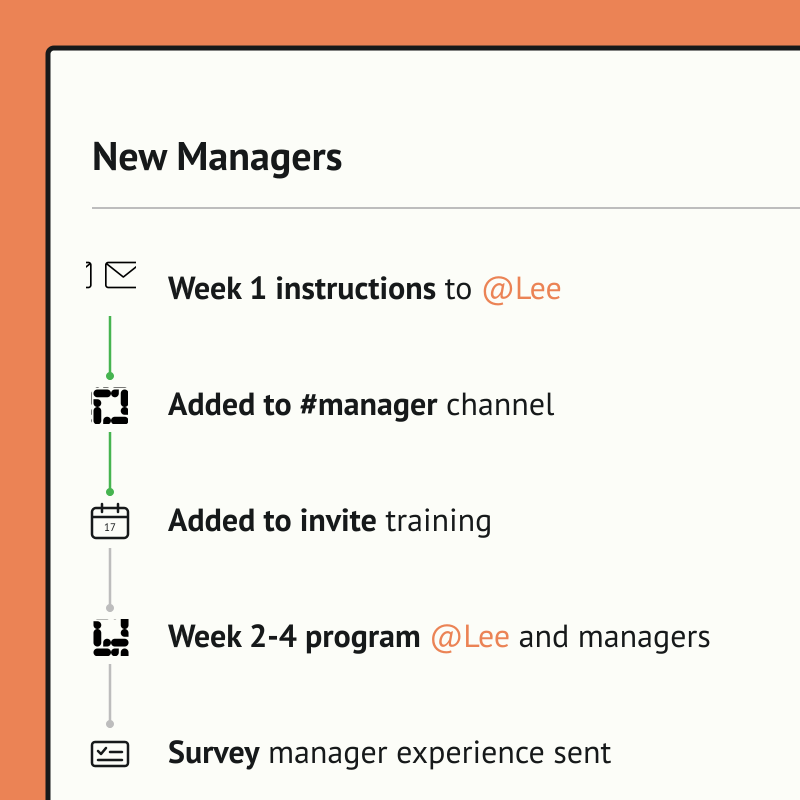
Pyn lets people teams run a full new manager program that kicks off automatically the moment someone is promoted. Key training content is delivered over time, from the first 1:1 with reports to giving feedback and building coaching skills, so new managers get real development instead of a welcome email and good luck.
Because Pyn connects to Workday, it already knows the moment someone starts, gets promoted, changes team, or moves on — there's no list to upload and no one to remind. From there every message is personalized by role, team, and location, delivered where people already work — and nothing slips.
Pyn also handles everything around it: adding them to the right Slack or Teams channel, sending a manager training invite, running a quick poll on how the transition is going, or enrolling them in an LMS course. Set it once, and every new manager gets a consistent start.
Features Spotlight
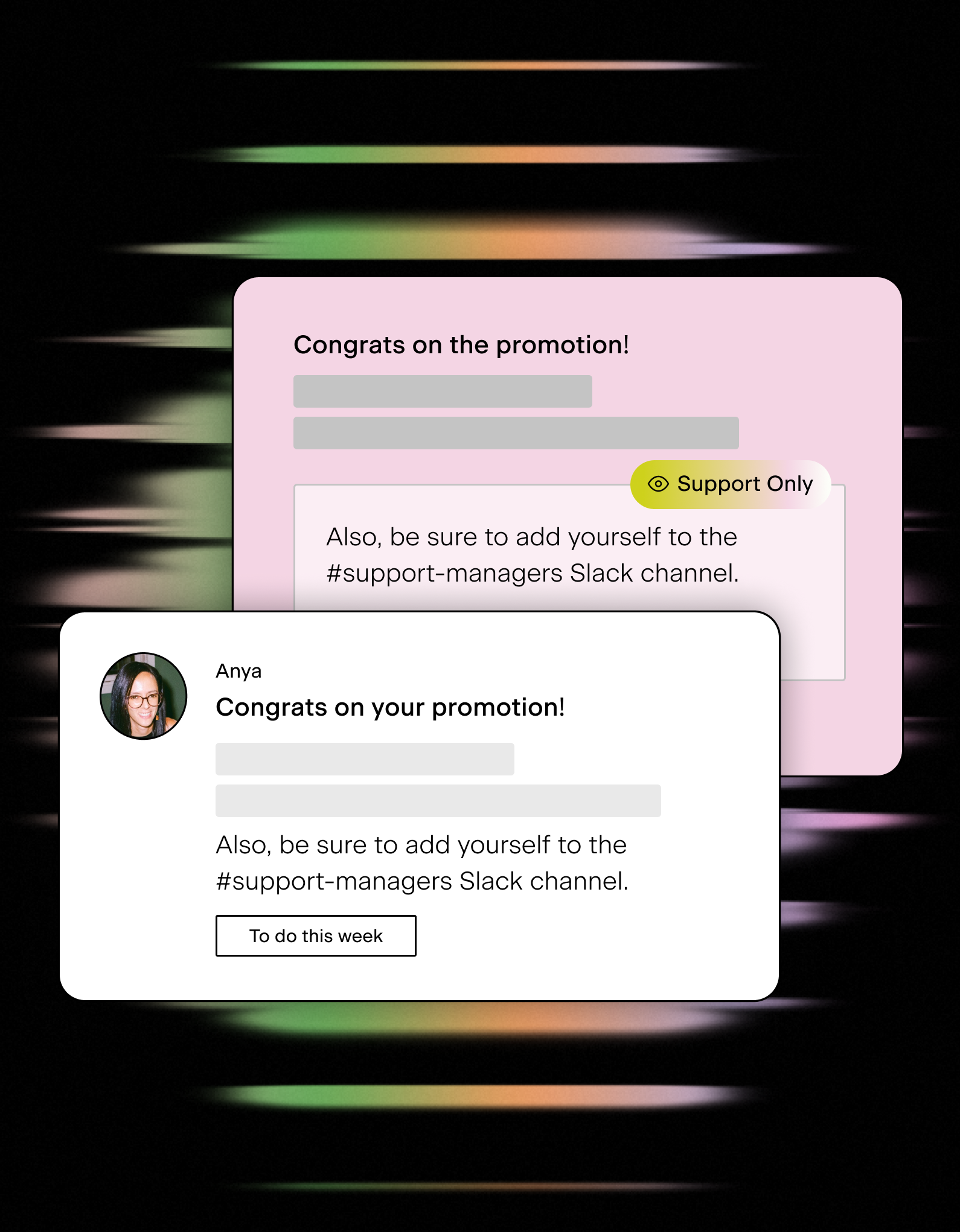
Always-on manager training and support
- Trigger immediate guidance upon promotion
- Automate comms for high impact moments like a first 1:1 meeting, salary reviews, and more
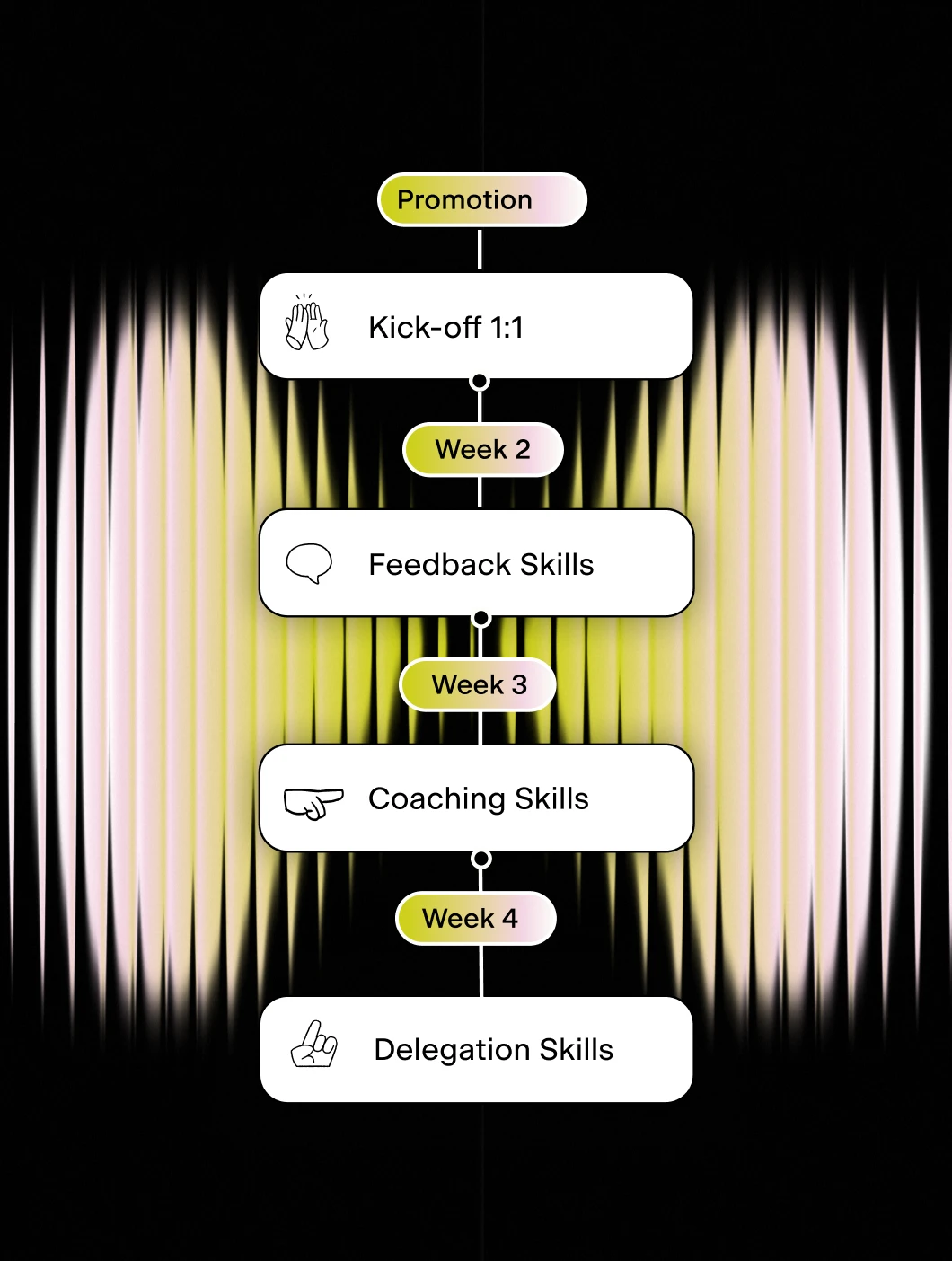
Design multi-week new manager journey
- Deliver timely micro-learning
- Reinforce learning through senior leaders
- Leverage proven Pyn content
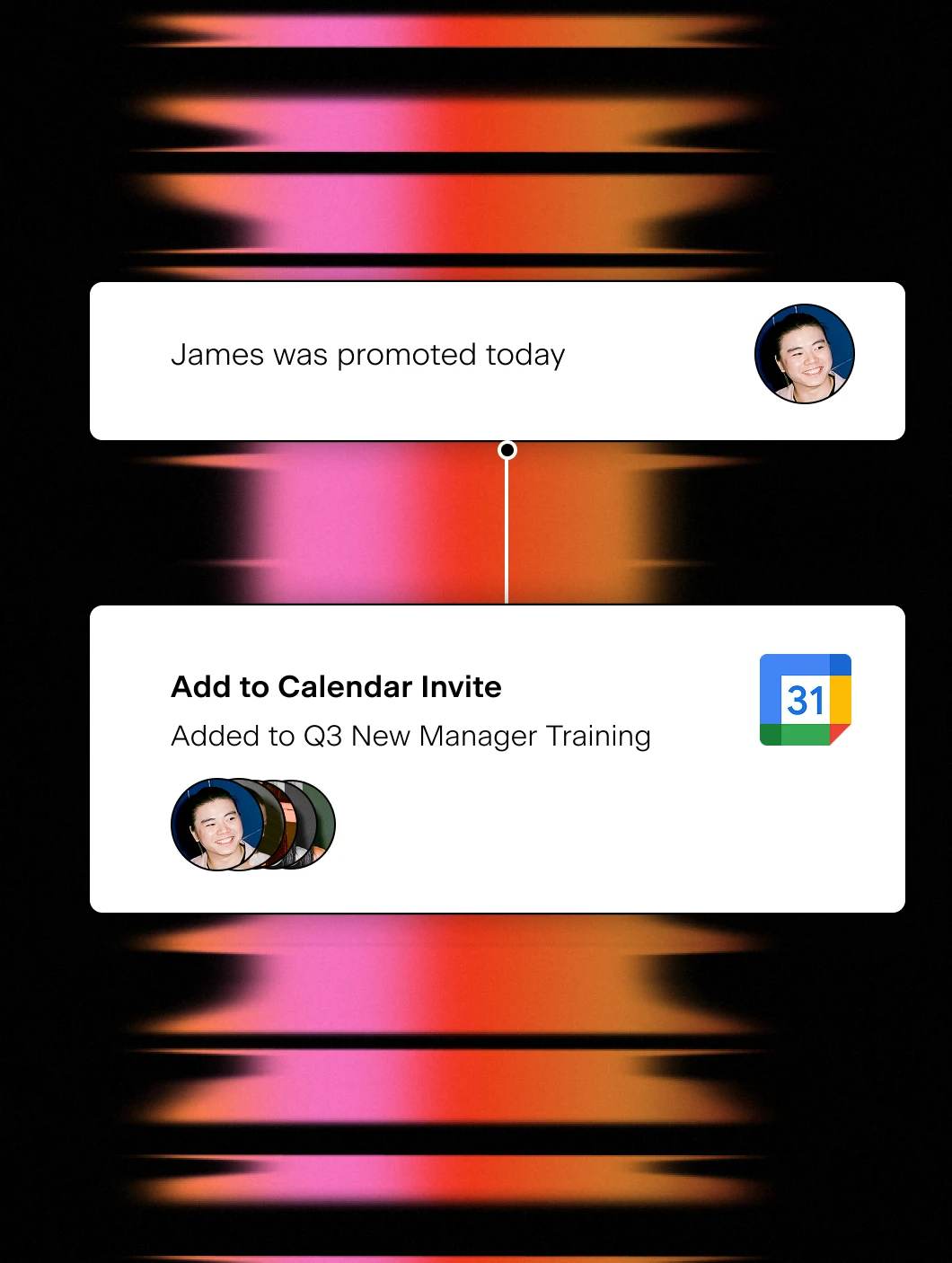
Add to new training invite
- Auto-add new managers to calendar invites
- Easy management of cohorts or classes
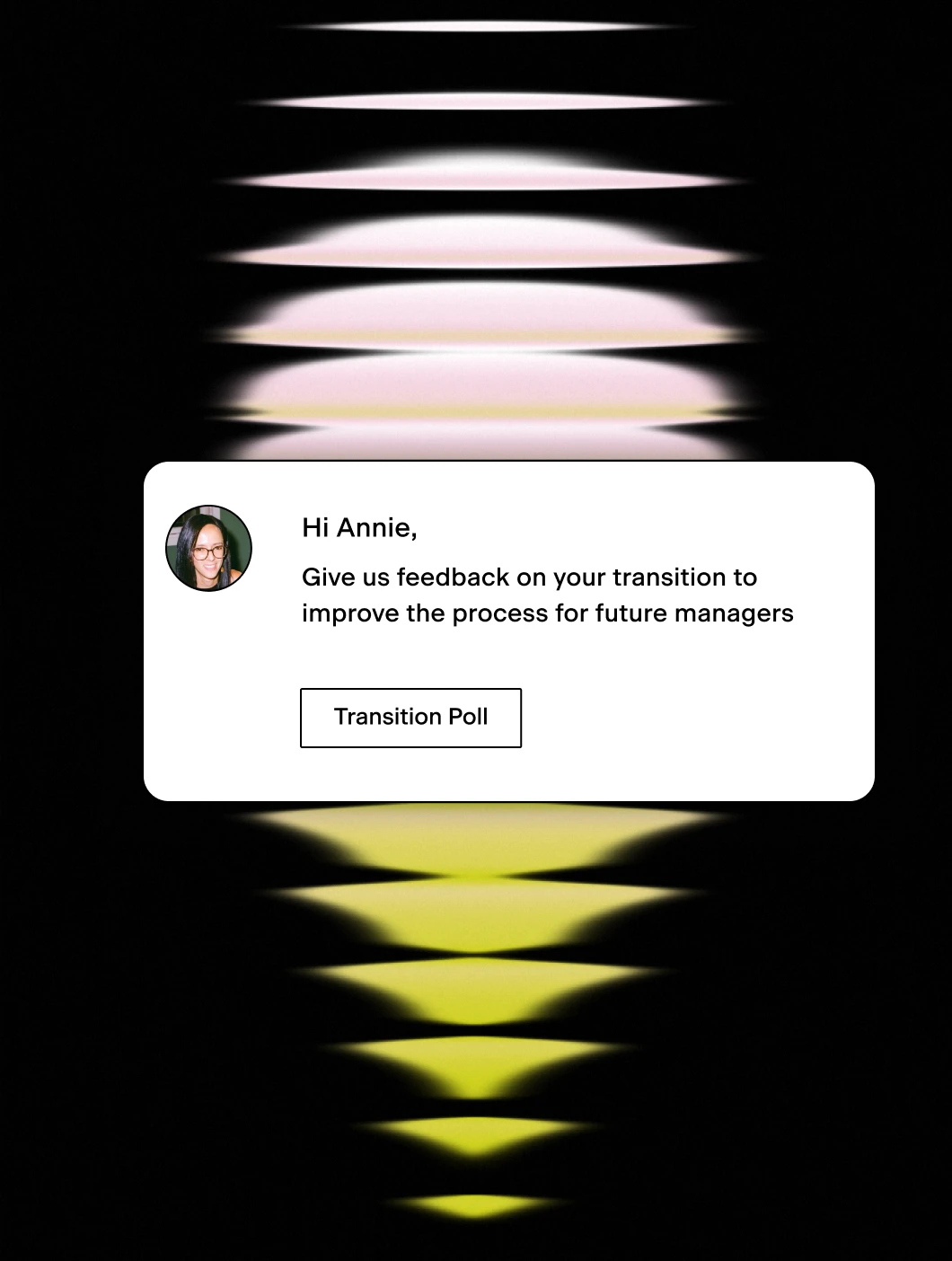
Improve programs with polls
- Ask about the experience
- Make program changes
Workday knows when someone starts, gets promoted, changes teams, or hits their anniversary. Pyn uses that data to:
- Send timely messages to the right person - through Slack, email, or Teams.
- Send polls and forms - like probation checks or onboarding buddy selection.
- Automate integrations - like adding people to a Calendar invite or Slack group.
- Set your HR Calendar - to manage salary reviews, holidays or company events.
No manual emails. No spreadsheets. No one has to remember.
Workday captures your people data. Pyn puts it to work.
Workday is excellent at what it’s built for: storing employee data, tracking org changes, managing payroll. What it’s not built for is reaching employees in the flow of their day with messages that actually feel personal.
Pyn sits on top of Workday and does exactly that. When something changes in Workday, Pyn reacts. It sends the right message, to the right person, through Slack, Teams, or email.
Why connect Pyn and Workday?
Turn Workday events into employee moments. A new hire added, a promotion recorded, a departure logged. Pyn listens for changes in your Workday data and triggers the right communications automatically. No one has to notice, remember, or act manually.
Reach people where they actually work. Most employees rarely log into Workday. Pyn meets them in Slack, Teams, or email instead, with messages that feel like they came from a real person rather than a system notification.
Personalize using your Workday data. Pyn uses the fields you pull from Workday (role, department, location, manager, tenure, and more) to tailor every message. An engineering manager in London gets something different than a new sales hire in Austin.
Cover the whole lifecycle. Onboarding is just the start. Pyn also handles things like promotions, internal moves, parental leave returns, manager transitions, and offboarding, and more or less any other moment driven by a change in Workday.
How to connect
Does Pyn integrate with Workday?
Yes. Pyn connects to Workday via the Report as a Service (RaaS) feature. Pyn’s team handles the validation and setup. See 9 Workday integrations worth knowing about for more context.
What data syncs from Workday?
You control which fields are imported. Basic demographics like name, start date, department, manager, and location come across by default, but you can bring in additional fields depending on what you want to trigger.
How long does setup take?
It involves a few steps with your Workday Admin to configure the RaaS report, then Pyn validates the connection. Our team guides you through it.
FAQs
Can I personalize messages using Workday fields?
Yes. Pyn uses any field from your Workday data to tailor content: role, region, tenure, manager, and more. You can show or hide message sections based on any attribute.
Does Pyn only work for onboarding?
No. Pyn covers the full employee lifecycle — pre-boarding, onboarding, promotions, anniversaries, leave, offboarding, and more.
Where do messages get delivered?
Slack, Microsoft Teams, or email — wherever your people actually work.
Is my Workday data secure with Pyn?
Pyn is SOC 2 compliant. We only pull the fields you choose, and you can review exactly what data we’re pulling at any time.
Your HR stack, with superpowers.
Pick the tools you need. Launch in a day. Cancel anytime.