 $1 / employee / month
New Manager Program Using Sana
Turn every promotion into a structured path to great management.
Top brands trust Pyn


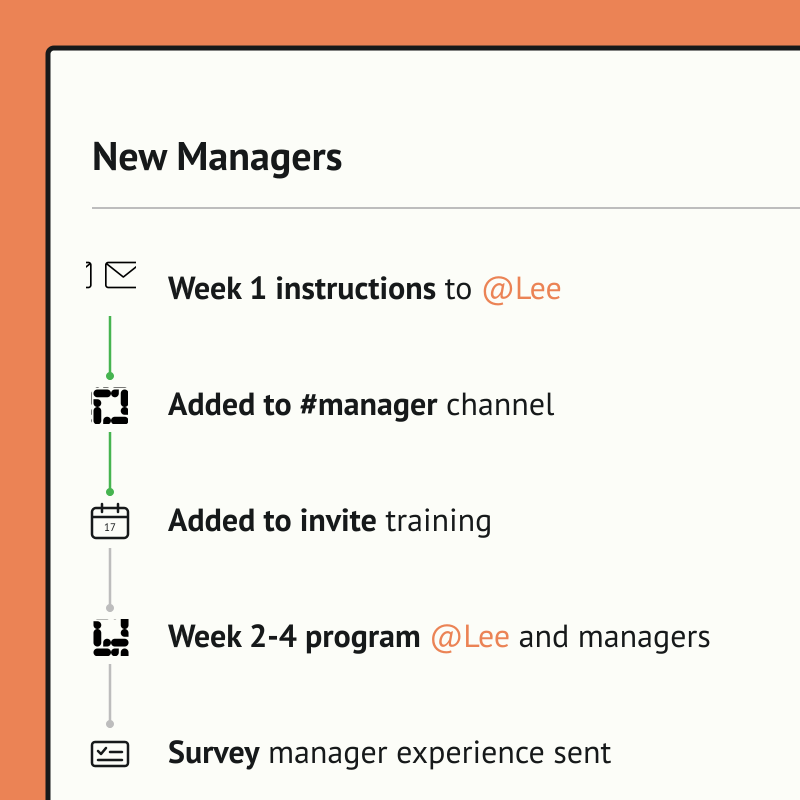
Pyn lets people teams run a full new manager program that kicks off automatically the moment someone is promoted. Key training content is delivered over time, from the first 1:1 with reports to giving feedback and building coaching skills, so new managers get real development instead of a welcome email and good luck.
Because Pyn connects to Sana, the right course is assigned the moment it's needed — and anyone who hasn't finished is chased automatically. From there every message is personalized by role, team, and location, delivered where people already work — and nothing slips.
Pyn also handles everything around it: adding them to the right Slack or Teams channel, sending a manager training invite, running a quick poll on how the transition is going, or enrolling them in an LMS course. Set it once, and every new manager gets a consistent start.
Features Spotlight
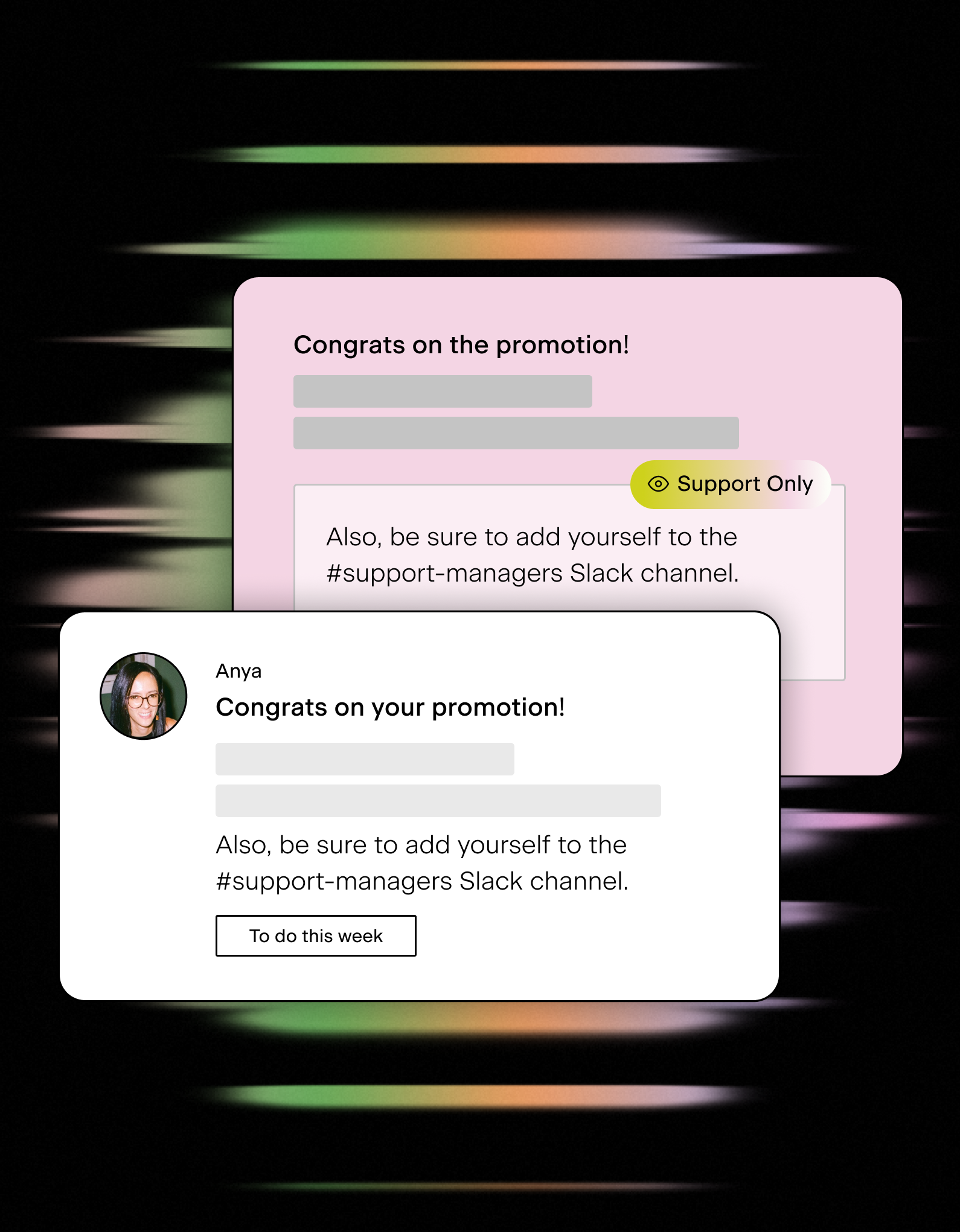
Always-on manager training and support
- Trigger immediate guidance upon promotion
- Automate comms for high impact moments like a first 1:1 meeting, salary reviews, and more
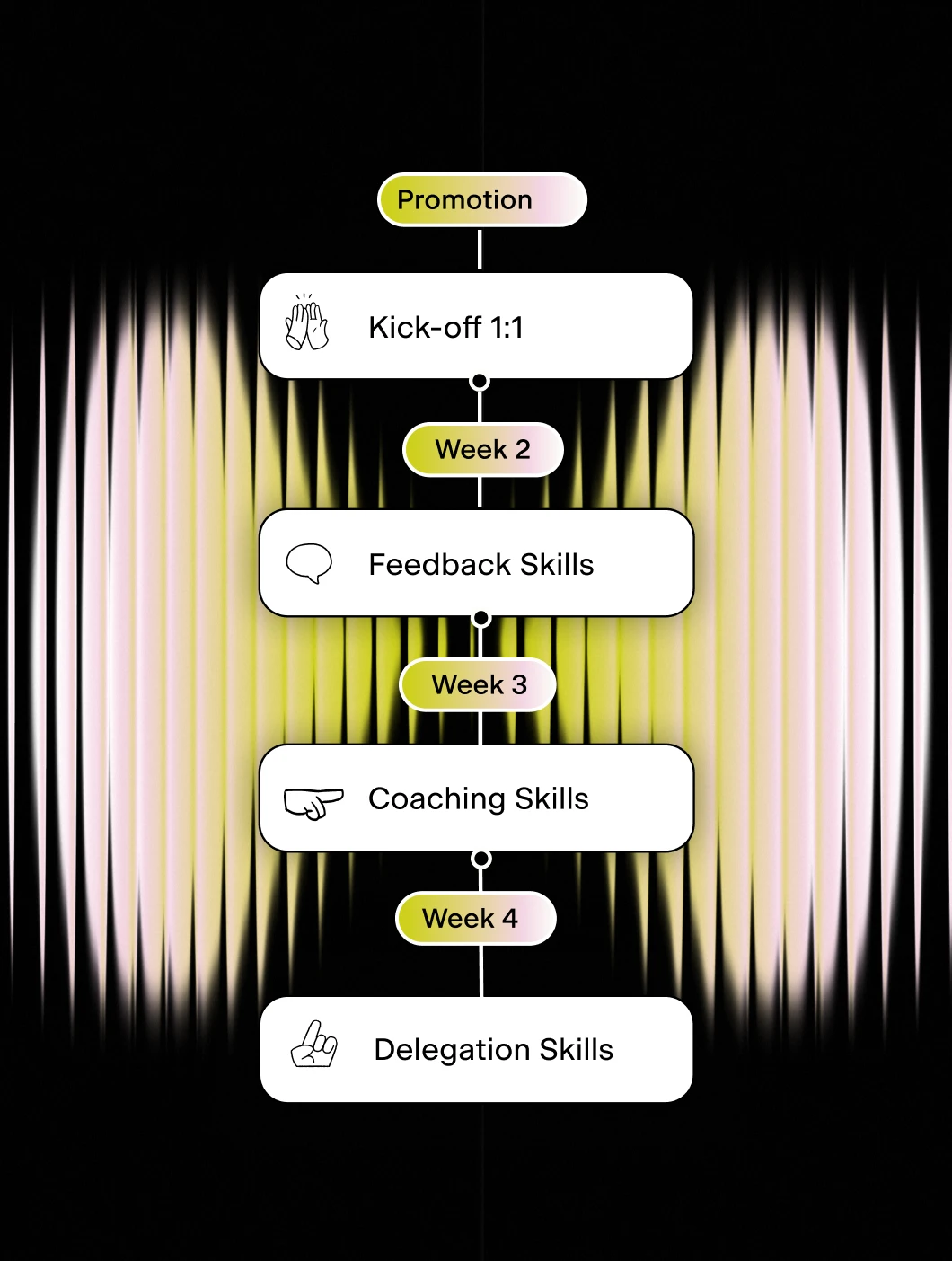
Design multi-week new manager journey
- Deliver timely micro-learning
- Reinforce learning through senior leaders
- Leverage proven Pyn content
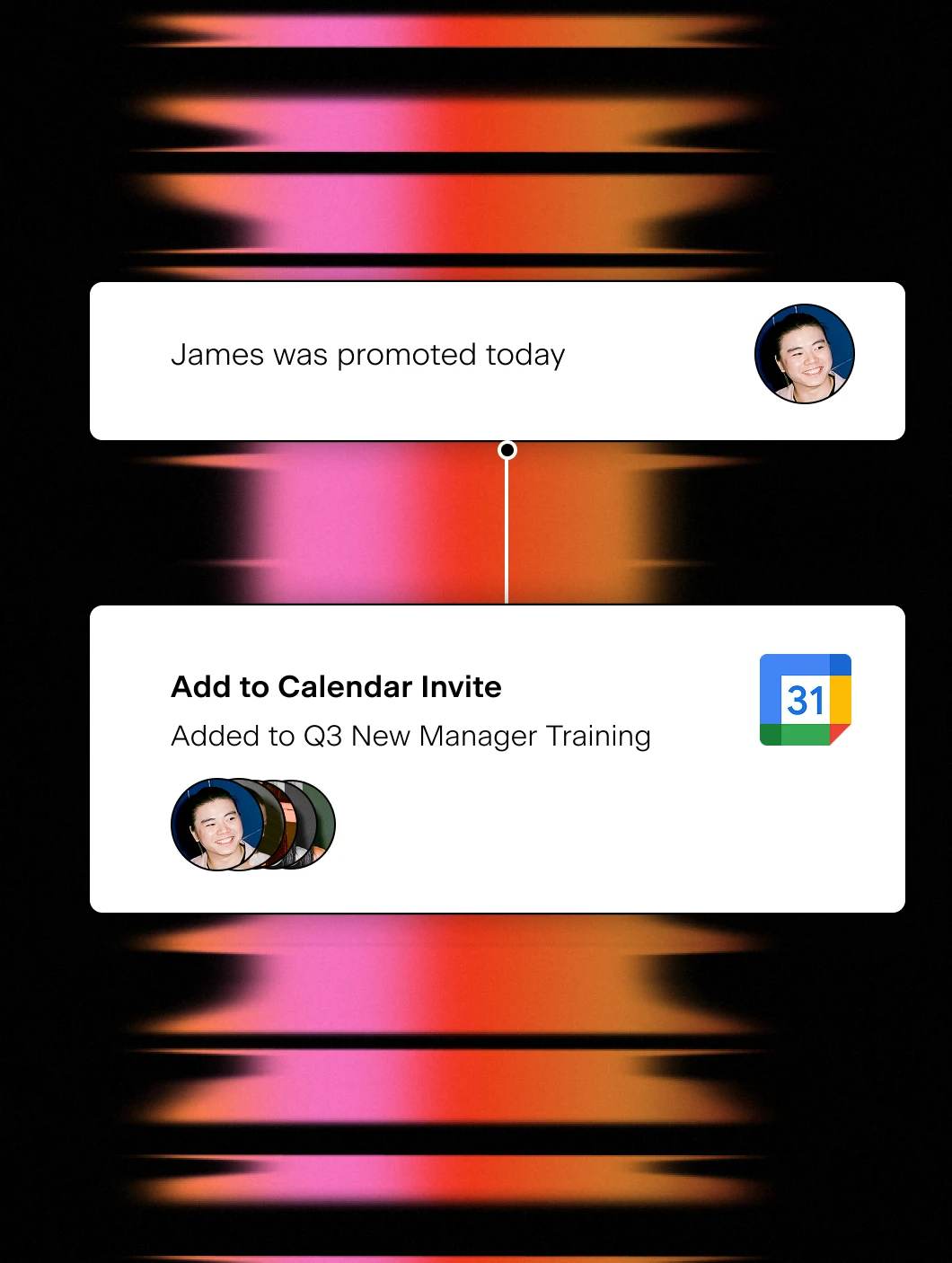
Add to new training invite
- Auto-add new managers to calendar invites
- Easy management of cohorts or classes
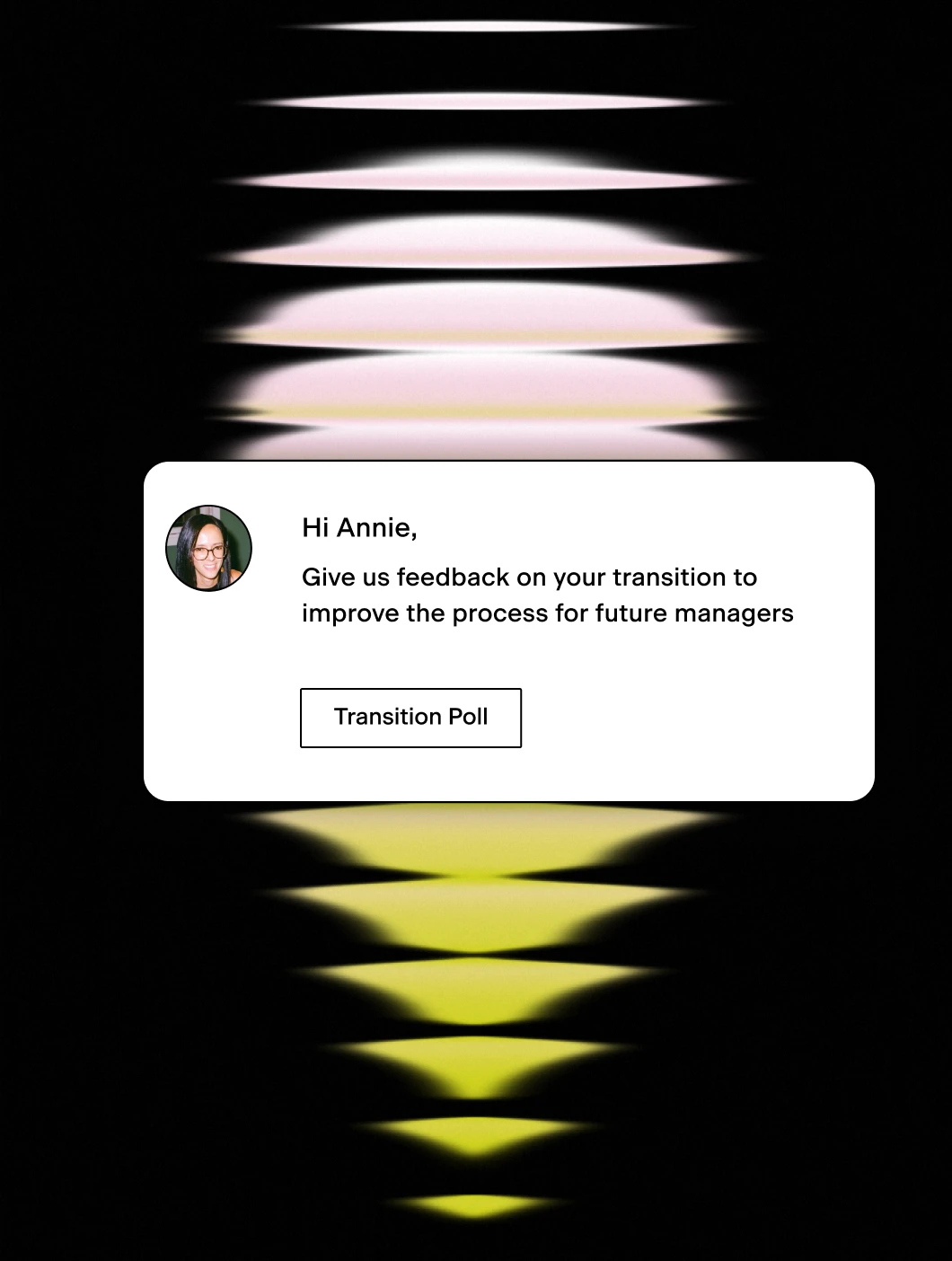
Improve programs with polls
- Ask about the experience
- Make program changes
The right course, for the right person, at exactly the right moment.
Sana builds learning experiences that are genuinely good. The harder problem is getting the right people into them at the right time — and making sure they actually finish.
Connect Sana to Pyn, and that part runs automatically.
What it does
Pyn connects to Sana to automate enrollment and completion across the employee lifecycle. When a lifecycle event fires in your HRIS — a new hire joins, someone is promoted, a team transfers — Pyn enrolls the right employee in the right Sana course automatically. Pyn then tracks completion and sends follow-up messages to anyone who hasn’t finished, without anyone on the People team having to chase it manually.
What you can automate
Promotion to manager — When an employee steps into a people manager role, Pyn automatically enrolls them in your manager development program in Sana. If they haven’t completed the required modules by a set point, Pyn sends a reminder through Slack, Teams, or email — and follows up again if needed.
New hire onboarding — The moment a new hire is enrolled in Pyn, they’re added to the right onboarding learning path in Sana based on their role or team. No manual enrollment, no waiting for someone to notice.
Compliance training — When a compliance window opens, Pyn handles enrollment, tracks who’s completed and who hasn’t, and runs an automated reminder sequence until the deadline. No spreadsheets. No manual chasing.
Role transitions — Any lifecycle event that should trigger learning — a team move, a return from leave, a role change — can be connected to Sana through Pyn. The right course is assigned automatically from there.
FAQs
Can Pyn enroll employees in Sana courses automatically?
Yes. When a lifecycle event triggers a Pyn Flow — a new hire joining, a promotion, a role change — Pyn can automatically enroll that employee in the relevant course or learning path in Sana.
Can Pyn track whether an employee has completed a Sana course?
Yes. Pyn tracks completion status and can automatically send follow-up messages to employees who haven’t finished a course by a set point. No manual checking required.
What HRIS does Pyn connect to?
Pyn integrates directly with BambooHR, Workday, ADP Workforce Now, Namely, and others. Your HRIS is what provides the lifecycle events that trigger enrollment and the employee data that determines which course to assign.
Which channels can Pyn send completion reminders through?
Pyn delivers through Slack, Microsoft Teams, and email. Most teams use whichever channel gets the fastest response from their employees.
Is the Sana integration available to all Pyn customers?
LMS enrollment automation and completion tracking are available as an add-on for teams that need it. If connecting Pyn to Sana is a priority for your organization, get in touch and we’ll scope it with you.
Does Pyn also integrate with Docebo?
Yes. Pyn connects to Docebo with the same enrollment automation and completion tracking capabilities and is also available as an add-on feature.
Your HR stack, with superpowers.
Pick the tools you need. Launch in a day. Cancel anytime.