 Free
FreeTeam Sentiment for OpenAI Teams
How's the team, really? A free two-minute weekly check-in, inside Slack.
Top brands trust Pyn




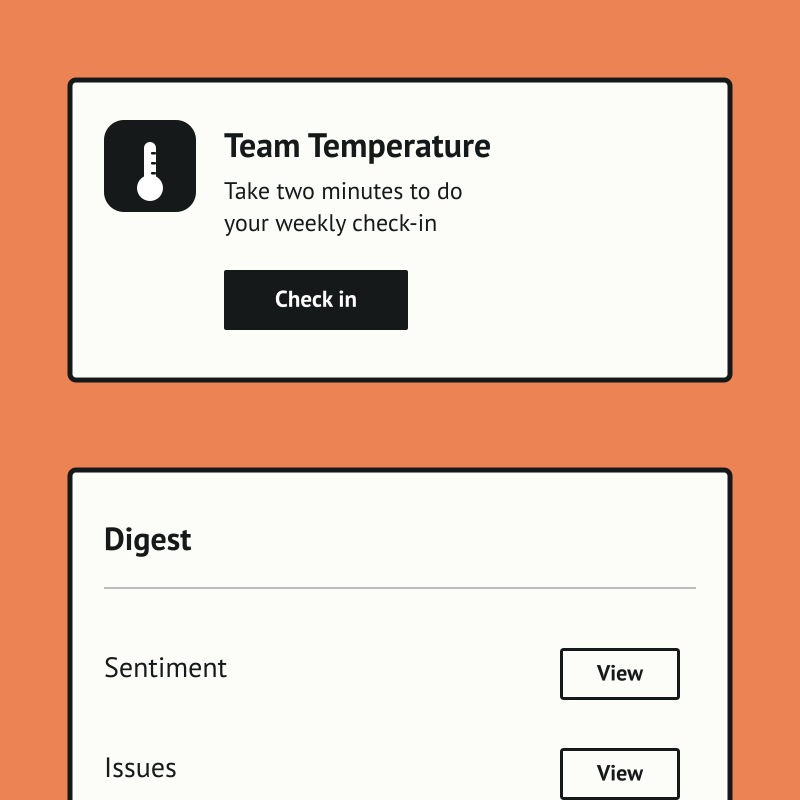
Team Temperature is a free, Slack-native weekly check-in that tells people teams and managers how the team is really doing. A two-minute DM captures a morale score and a few comments, with no portal, password, or extra tab, so the habit actually sticks.
Team Sentiment is free, and it runs standalone for now — you can start using it today by uploading your own people data. If there's enough interest we'll build a direct OpenAI integration so it syncs automatically. Book a demo and we can cover it.
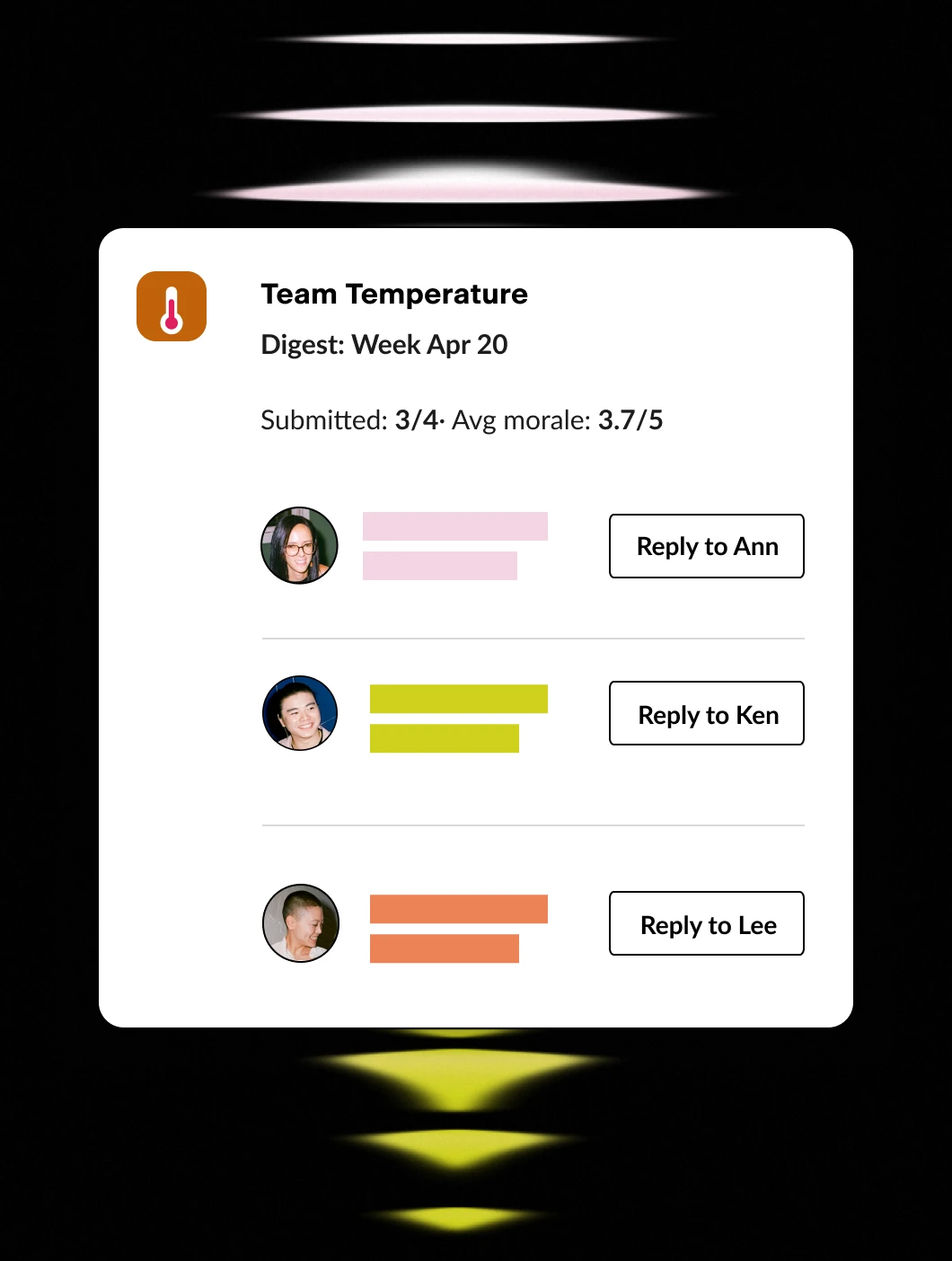
The payoff is an early, trustworthy signal instead of a once-a-year survey. Managers get a weekly digest with trends and per-person comments, optional AI flags the answers worth attention, and HR sees company-wide pulse and teams to watch.
Features Spotlight
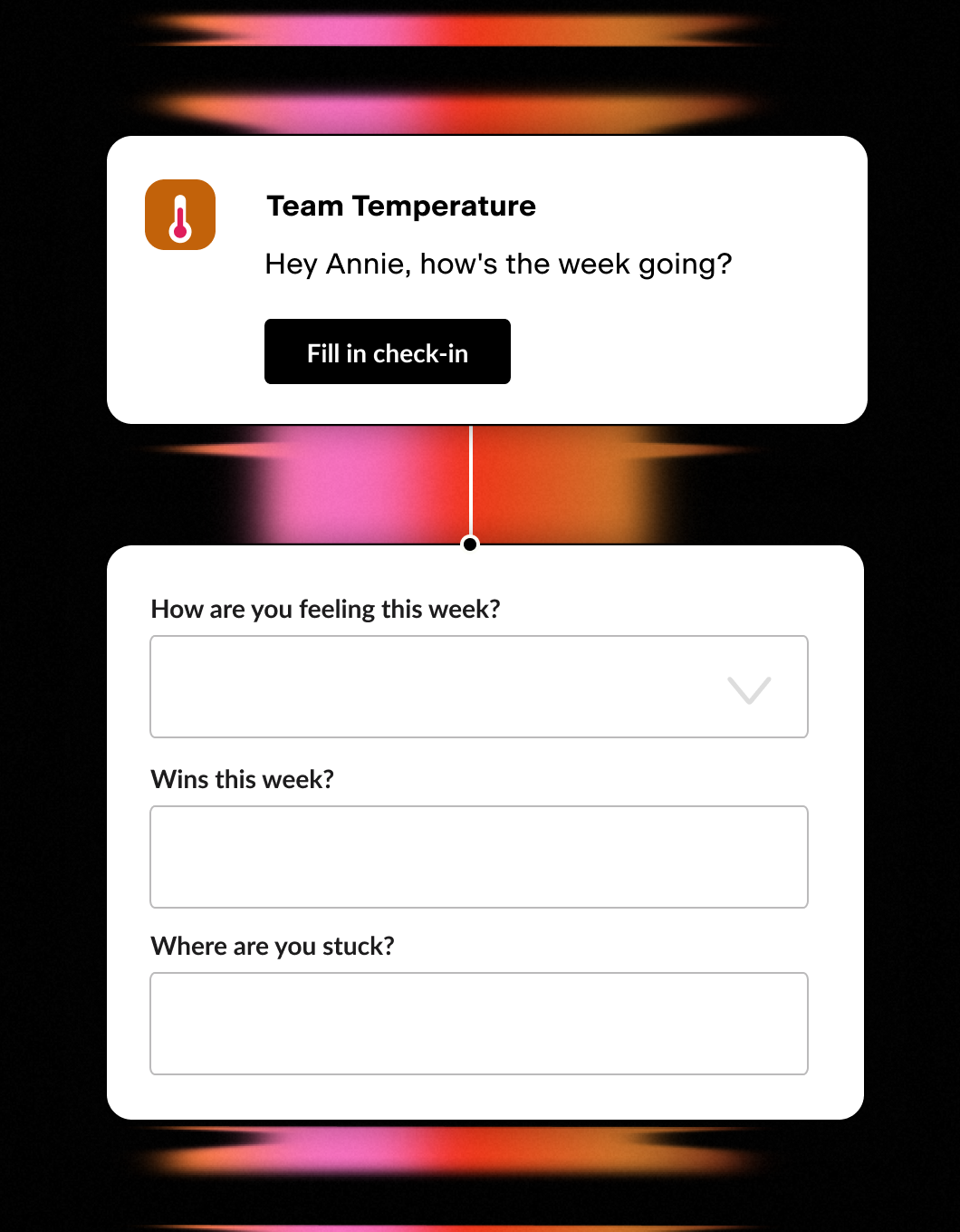
Weekly Two-Minute Poll
- One quick Slack DM a week
- Morale score plus a couple of questions
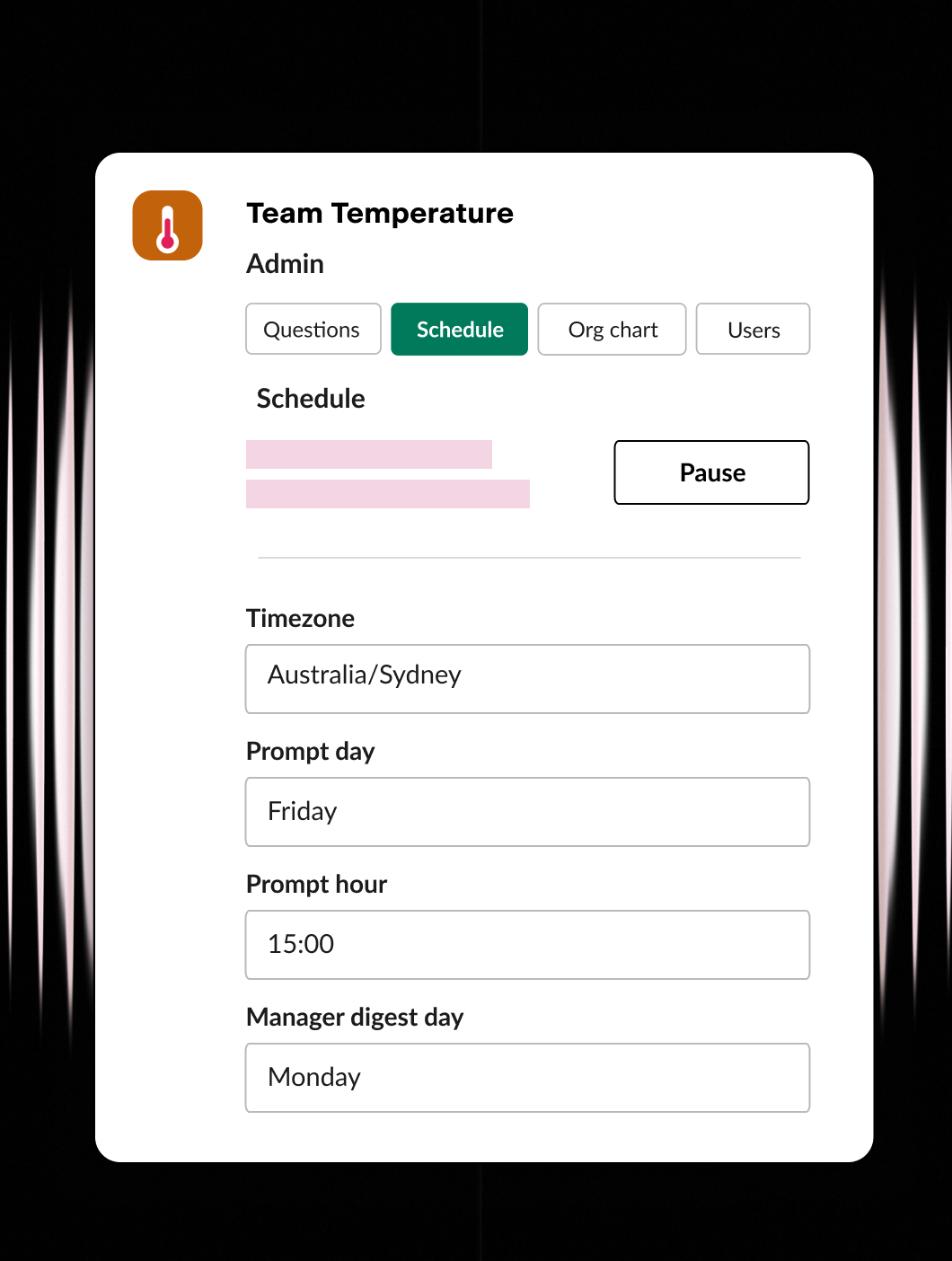
Set it up your way
- Ask the questions that matter
- Set the day, time, and timezone
- Configure users and org chart
Stay in the know
- Weekly digest for managers
- One-click reply to anyone
- Company-wide rollups for HR / CEO
The context lives in Pyn. GPT does the thinking.
Every employee in Pyn comes with context — their role, their team, their location, and exactly where they sit in their journey today. Connect OpenAI, and GPT models can put that context to work through AI-agent skills that take real action:
- Write tailored messages - grounded in the person’s situation, not a one-size-fits-all template.
- Distil the signal - condense survey answers, poll results, or free-text feedback into something you can act on.
- Field employee questions - answered against the context Pyn already holds about the person asking.
- Recommend what to do next - the right nudge, reply, or Flow step for the moment.
Pyn owns the context. GPT is the intelligence that runs on it.
Why connect Pyn and OpenAI?
Ground every response in who the employee is. On its own, a model is guessing. Pyn hands GPT the specifics — this is a returning parent, six months tenured, on the London team — so drafts, summaries, and recommendations reflect the real person rather than a stereotype.
You stay the decision-maker. GPT-powered skills produce drafts and suggestions; the call is always yours. Review, tweak, approve — the AI carries the busywork, you keep control of what actually ships.
Skip the blank page. Ask GPT to draft copy shaped by department, location, and moment, then refine it. Pyn handles delivery through Slack, Teams, or email, sent from the sender that makes sense.
Useful across every moment. Whether it’s onboarding, a promotion, a return from leave, or offboarding, context-aware skills can lend a hand anywhere in the employee journey where a faster, sharper action helps.
FAQs
What does the OpenAI integration do?
It links OpenAI’s GPT models to Pyn’s employee context layer, letting AI-agent skills draft messages, summarize responses, answer questions, and suggest next actions using the employee data Pyn already maintains.
How much of my data does GPT get?
Only what a specific skill requires. Pyn shares the context relevant to the task — never a bulk export of your people data.
Will AI messages send on their own?
No, unless you choose that. GPT-powered skills draft and recommend by default, and you sign off before anything reaches an employee.
Can it tailor content by department, role, or location?
Yes. Running on Pyn’s context layer means GPT draws on the same fields Pyn uses to personalize and target messages.
How are messages delivered?
Through the channels your people already use — Slack, Microsoft Teams, or email.
Does Pyn also work with Anthropic’s Claude?
Yes. If you prefer Claude, the same context-aware AI skills are available through Pyn’s Anthropic integration.
Is my data secure?
Pyn is SOC 2 compliant. We only pass the context a skill needs to complete its task.
Your HR stack, with superpowers.
Pick the tools you need. Launch in a day. Cancel anytime.