 Free
FreeTeam Sentiment for Lever Teams
How's the team, really? A free two-minute weekly check-in, inside Slack.
Top brands trust Pyn





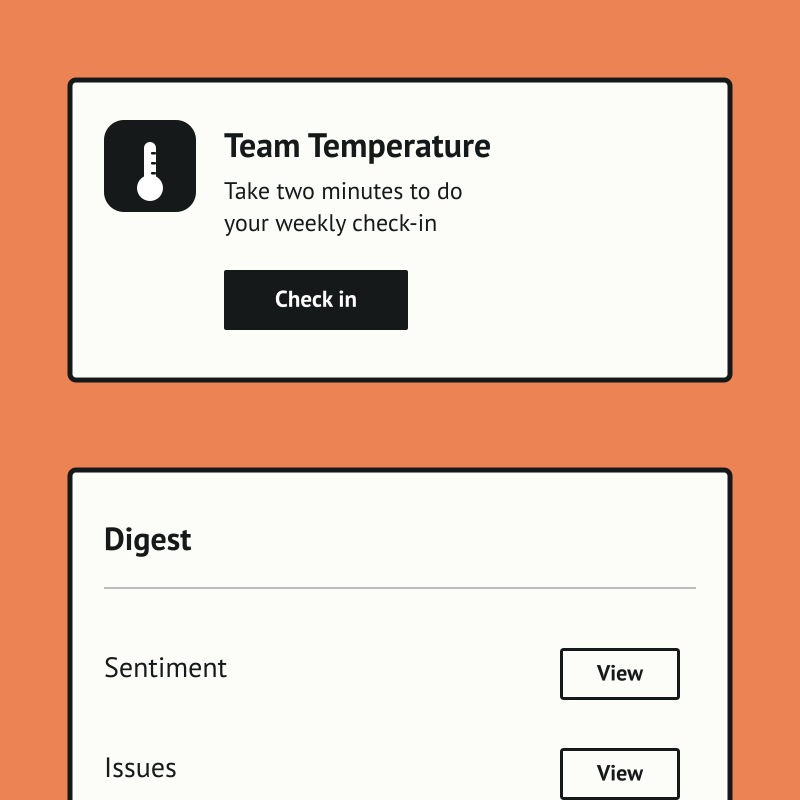
Team Temperature is a free, Slack-native weekly check-in that tells people teams and managers how the team is really doing. A two-minute DM captures a morale score and a few comments, with no portal, password, or extra tab, so the habit actually sticks.
Team Sentiment is free, and it runs standalone for now — you can start using it today by uploading your own people data. If there's enough interest we'll build a direct Lever integration so it syncs automatically. Book a demo and we can cover it.
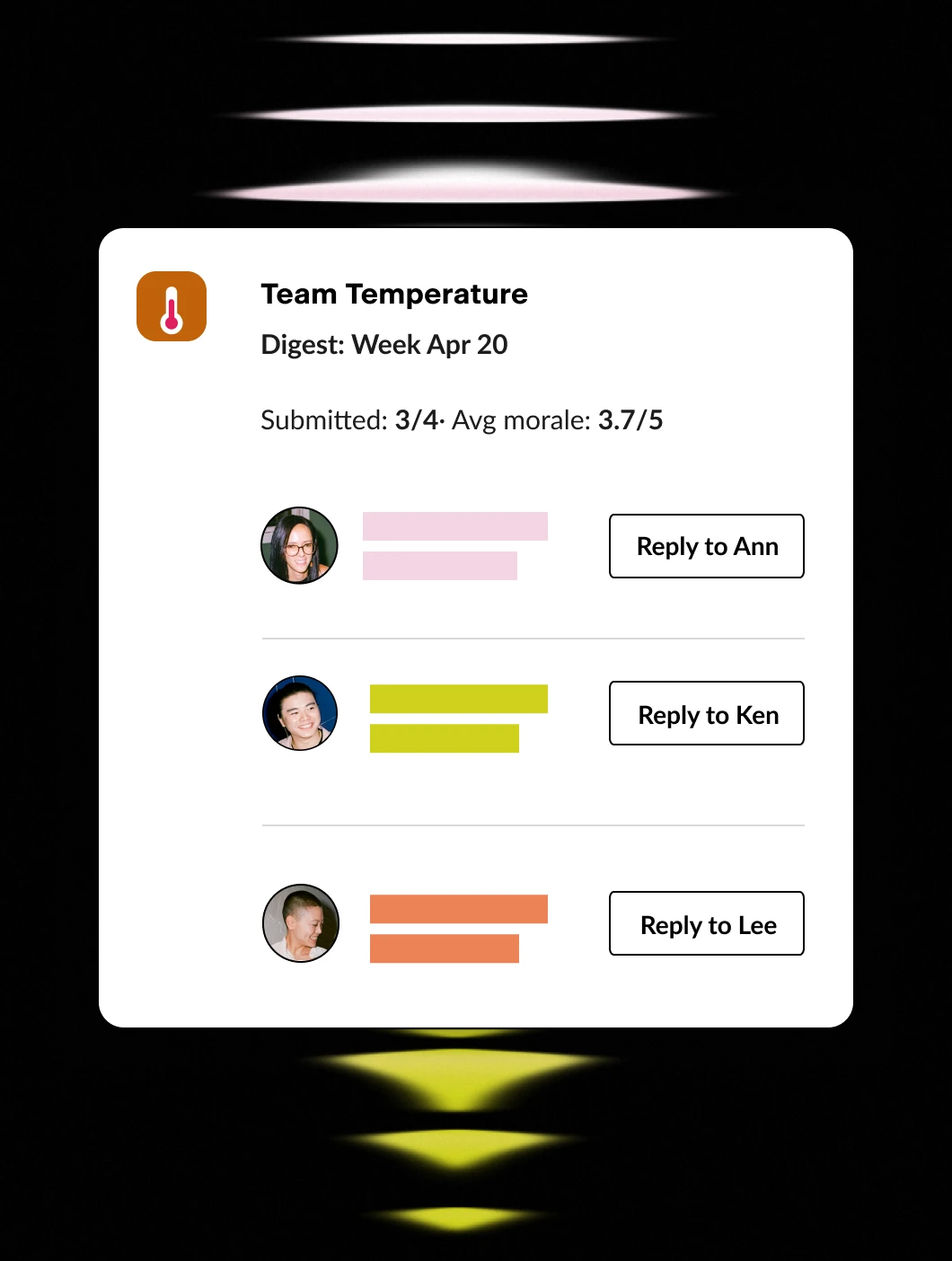
The payoff is an early, trustworthy signal instead of a once-a-year survey. Managers get a weekly digest with trends and per-person comments, optional AI flags the answers worth attention, and HR sees company-wide pulse and teams to watch.
Features Spotlight
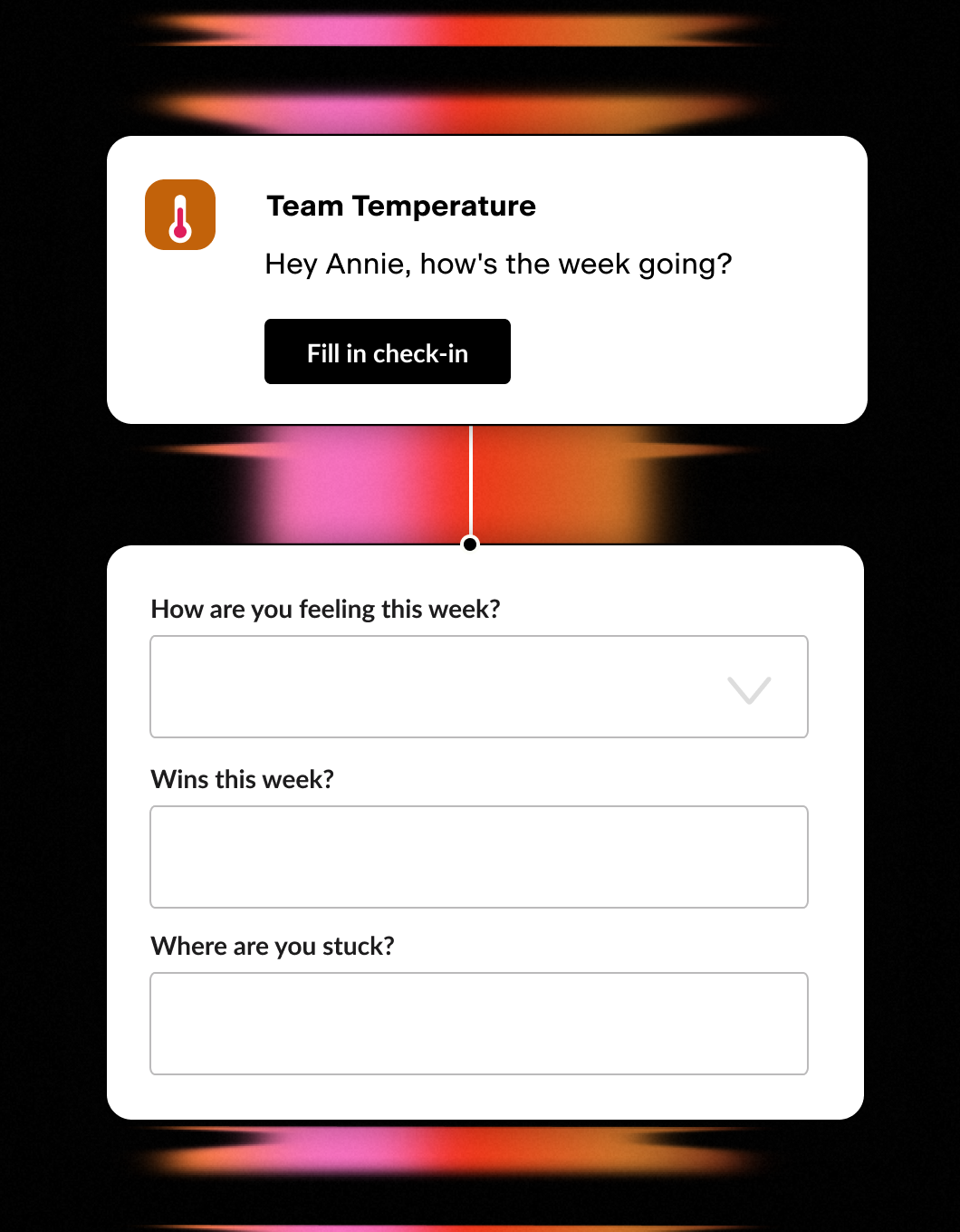
Weekly Two-Minute Poll
- One quick Slack DM a week
- Morale score plus a couple of questions
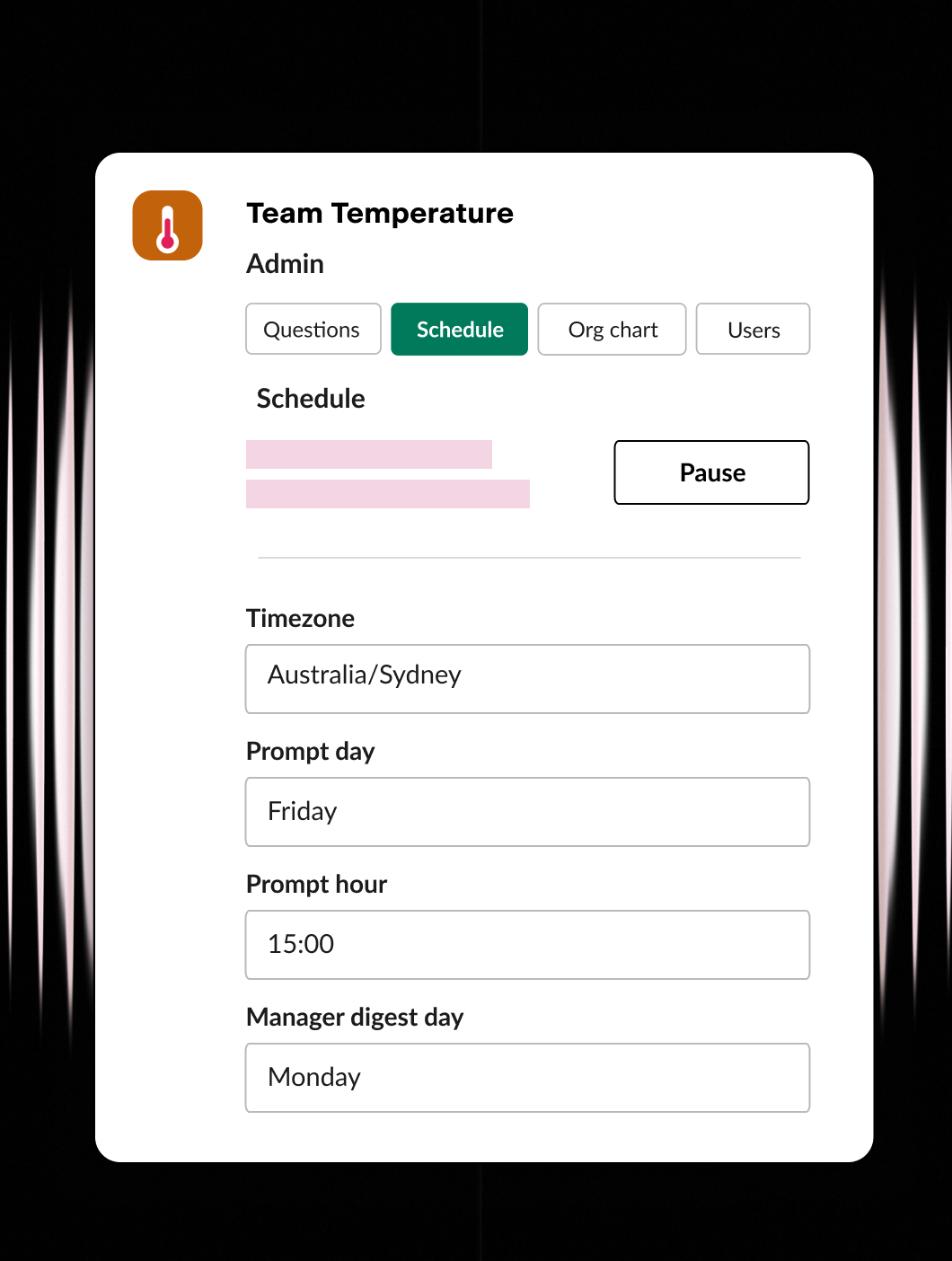
Set it up your way
- Ask the questions that matter
- Set the day, time, and timezone
- Configure users and org chart
Stay in the know
- Weekly digest for managers
- One-click reply to anyone
- Company-wide rollups for HR / CEO
Lever closed the hire. Pyn opens the journey.
Most onboarding tools wait for the HRIS. They sit idle while your new hire’s start date sits in Lever, and HR scrambles to update systems before anyone can do anything. Meanwhile the new hire is waiting, wondering, second-guessing.
Pyn doesn’t wait. The moment Lever marks a candidate as hired, Pyn starts their pre-onboarding journey: welcome messages, manager prep, IT tasks — all automated, all personal, all before day one.
Why connect Pyn and Lever?
Start pre-onboarding at offer accepted, not at HRIS updated. Lever tells Pyn who’s joining and when. That’s enough for Pyn to start. The welcome message goes out, the manager gets a heads-up, the IT checklist kicks off — all triggered by the hire event in Lever, with no manual steps in between.
Make the pre-onboarding period count. The weeks between offer and start date are when new hire excitement is highest and anxiety is most real. Pyn uses the data from Lever to send messages that feel personal and timely — by name, by role, from the hiring manager.
Give managers a head start. Pyn sends prep reminders and talking points to hiring managers as soon as the hire is confirmed. No more scrambling at 8am on day one.
Build the full picture with your HRIS. Lever gives Pyn the early signal: who’s joining, when, and in what role. Once your HRIS is connected, Pyn picks up from there and carries the journey through onboarding and the rest of the employee lifecycle. Together the two integrations cover everything from offer to offboarding.
How to connect
Does Pyn integrate with Lever?
Yes. Pyn connects to Lever via API. Your Lever admin provides the credentials and the integration activates.
What data does Pyn pull from Lever?
Pyn pulls the key fields needed for pre-onboarding: name, email, start date, job title, department, and hiring manager. That’s enough to start personalized journeys right away.
FAQs
When does Pyn start the pre-onboarding journey?
When a candidate is marked as hired in Lever. Pyn picks up the trigger automatically — no manual handoff needed.
Do I still need an HRIS integration?
For pre-onboarding, Lever is enough. For the full employee lifecycle — promotions, anniversaries, internal moves, offboarding — you’ll want an HRIS connected too. Pyn works with both, and the two integrations complement each other naturally.
Can I personalize pre-onboarding messages by role or department?
Yes. Pyn uses the role, department, and hiring manager data from Lever to tailor every message from day zero.
Where do messages get delivered?
Slack, Microsoft Teams, or email — wherever your people actually work.
Is my data secure?
Pyn is SOC 2 compliant. We only pull the candidate fields needed to trigger pre-onboarding automations.
Your HR stack, with superpowers.
Pick the tools you need. Launch in a day. Cancel anytime.