 Free
FreeTeam Sentiment for Google Calendar Teams
How's the team, really? A free two-minute weekly check-in, inside Slack.
Top brands trust Pyn




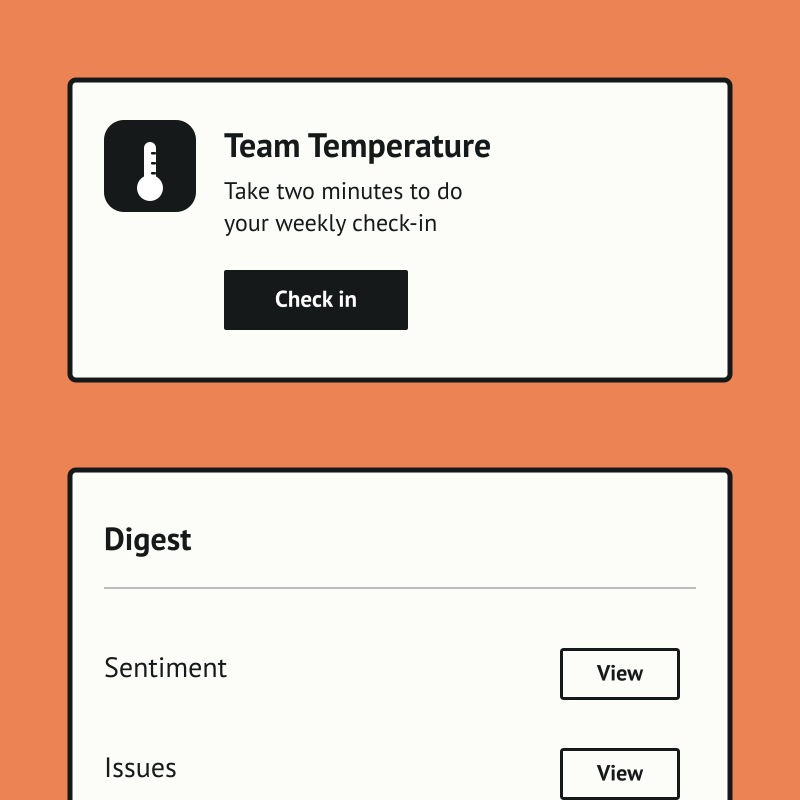
Team Temperature is a free, Slack-native weekly check-in that tells people teams and managers how the team is really doing. A two-minute DM captures a morale score and a few comments, with no portal, password, or extra tab, so the habit actually sticks.
Team Sentiment is free, and it runs standalone for now — you can start using it today by uploading your own people data. If there's enough interest we'll build a direct Google Calendar integration so it syncs automatically. Book a demo and we can cover it.
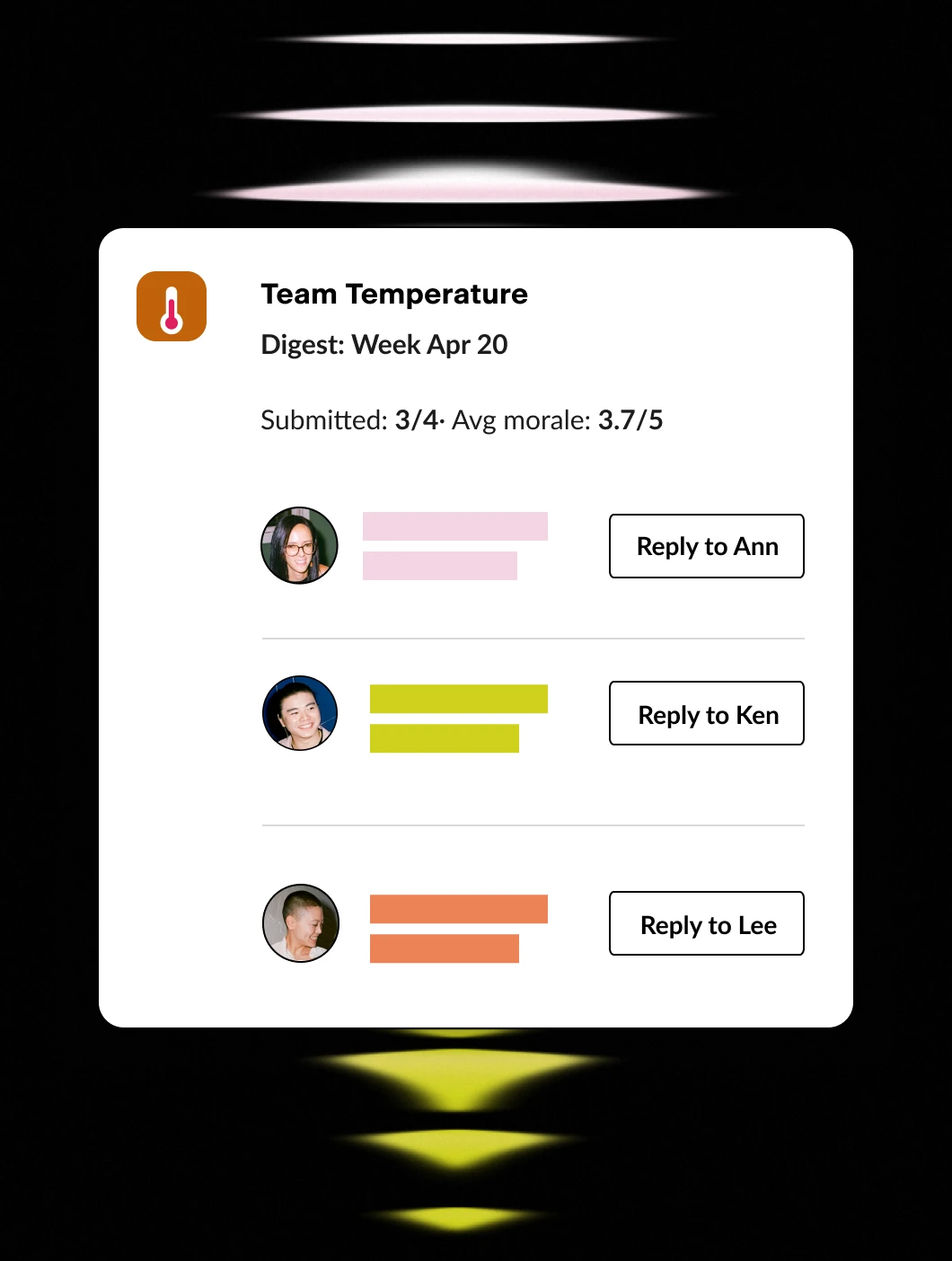
The payoff is an early, trustworthy signal instead of a once-a-year survey. Managers get a weekly digest with trends and per-person comments, optional AI flags the answers worth attention, and HR sees company-wide pulse and teams to watch.
Features Spotlight
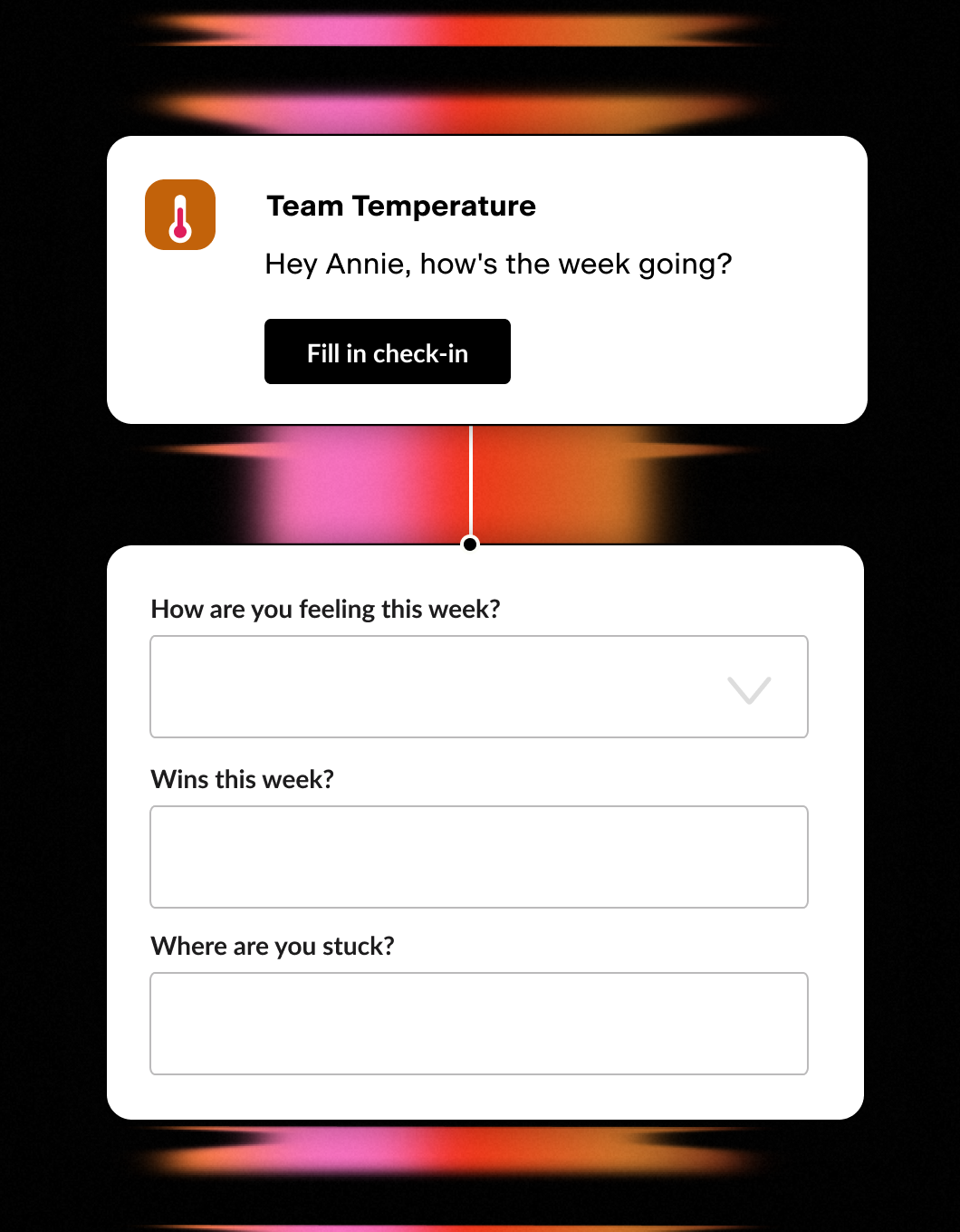
Weekly Two-Minute Poll
- One quick Slack DM a week
- Morale score plus a couple of questions
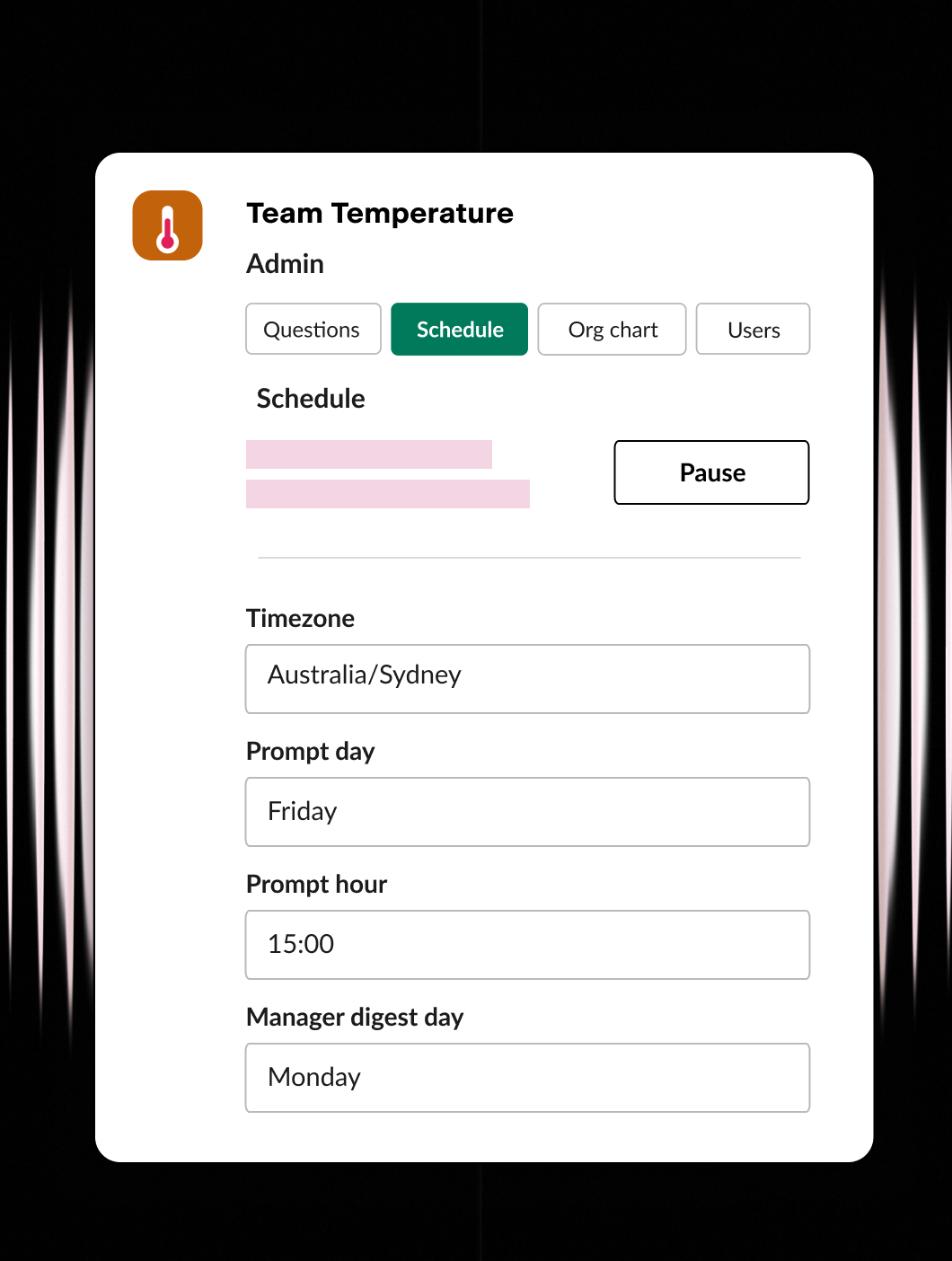
Set it up your way
- Ask the questions that matter
- Set the day, time, and timezone
- Configure users and org chart
Stay in the know
- Weekly digest for managers
- One-click reply to anyone
- Company-wide rollups for HR / CEO
Automate the message. Automate the meeting.
Pyn automates communication across the employee lifecycle — the welcome messages, the check-ins, the nudges that arrive at exactly the right moment. Connect Google Calendar, and your Flows can do one more thing: book the meeting.
Not a reminder to schedule a meeting. The actual invite, already on their calendar, sent automatically as part of the same Flow that handled everything else.
What it does
When Google Calendar is connected to Pyn, you can add an Invite to calendar event step inside any Flow. Choose a recurring or one-time event from your connected calendar. When an employee reaches that step in their journey, Pyn sends them a calendar invite and adds them to the event — automatically, with no manual action from HR.
What you can do with it
Onboarding check-ins, already on the calendar
A new hire’s 30-day check-in shouldn’t be something anyone has to remember to book. When you build an onboarding Flow in Pyn, you can include calendar invites for the 30, 60, and 90-day check-ins as steps alongside the messages, documents, and tasks.
By the time the new hire starts, the milestones are already in their calendar — and their manager’s. No coordination required. No meetings that get missed because everyone assumed someone else had handled it.
New manager training, with the meetings to match
When someone moves into a people manager role, Pyn can run an automated Flow that sends them your manager training content, surfaces the right resources at the right intervals, and books the meetings that go with each stage of their development.
That might be a kick-off conversation with their HR business partner. A recurring 1:1 series with their team. A check-in at the end of their first month as a manager. These don’t have to be things someone schedules manually — they can be part of the Flow.
FAQs
Is this Google Calendar only?
Yes, for now. The calendar invite feature in Pyn Flows connects to Google Calendar.
Does Pyn create the calendar event, or does it use an existing one?
Pyn adds participants to an event that already exists on your connected calendar — a recurring check-in meeting you’ve already set up, for example. Pyn currently surfaces recurring calendar events in the selection list for this reason.
Can I use a shared team calendar rather than my personal one?
Yes. During setup, you can select any calendar you have access to, including shared People Ops or company-wide calendars. Many teams prefer this so that check-in events don’t appear tied to one individual’s personal calendar.
Can I include multiple calendar invites in a single Flow?
Yes. A single Flow can include multiple Invite to calendar event steps at different points in the journey. An onboarding Flow might include separate invites for the 30, 60, and 90-day check-ins, each triggered at the right time.
What does the calendar invite look like to the employee?
They receive a standard Google Calendar invite to their email address. The event is pulled from your connected calendar, so it will reflect whatever details you’ve set up there.
Does Pyn also integrate with other tools in my employee journey?
Yes. Most teams pair Google Calendar with their HRIS connection — which provides the employee data that determines when Flows trigger — and their Slack or Microsoft Teams connection for message delivery. Calendar invites become one step in a journey that already includes the right messages and the right timing.
Your HR stack, with superpowers.
Pick the tools you need. Launch in a day. Cancel anytime.