 Free
FreeTeam Sentiment for AutomateNow Teams
How's the team, really? A free two-minute weekly check-in, inside Slack.
Top brands trust Pyn





Team Temperature is a free, Slack-native weekly check-in that tells people teams and managers how the team is really doing. A two-minute DM captures a morale score and a few comments, with no portal, password, or extra tab, so the habit actually sticks.
Team Sentiment is free, and it runs standalone for now — you can start using it today by uploading your own people data. If there's enough interest we'll build a direct AutomateNow integration so it syncs automatically. Book a demo and we can cover it.
The payoff is an early, trustworthy signal instead of a once-a-year survey. Managers get a weekly digest with trends and per-person comments, optional AI flags the answers worth attention, and HR sees company-wide pulse and teams to watch.
Features Spotlight
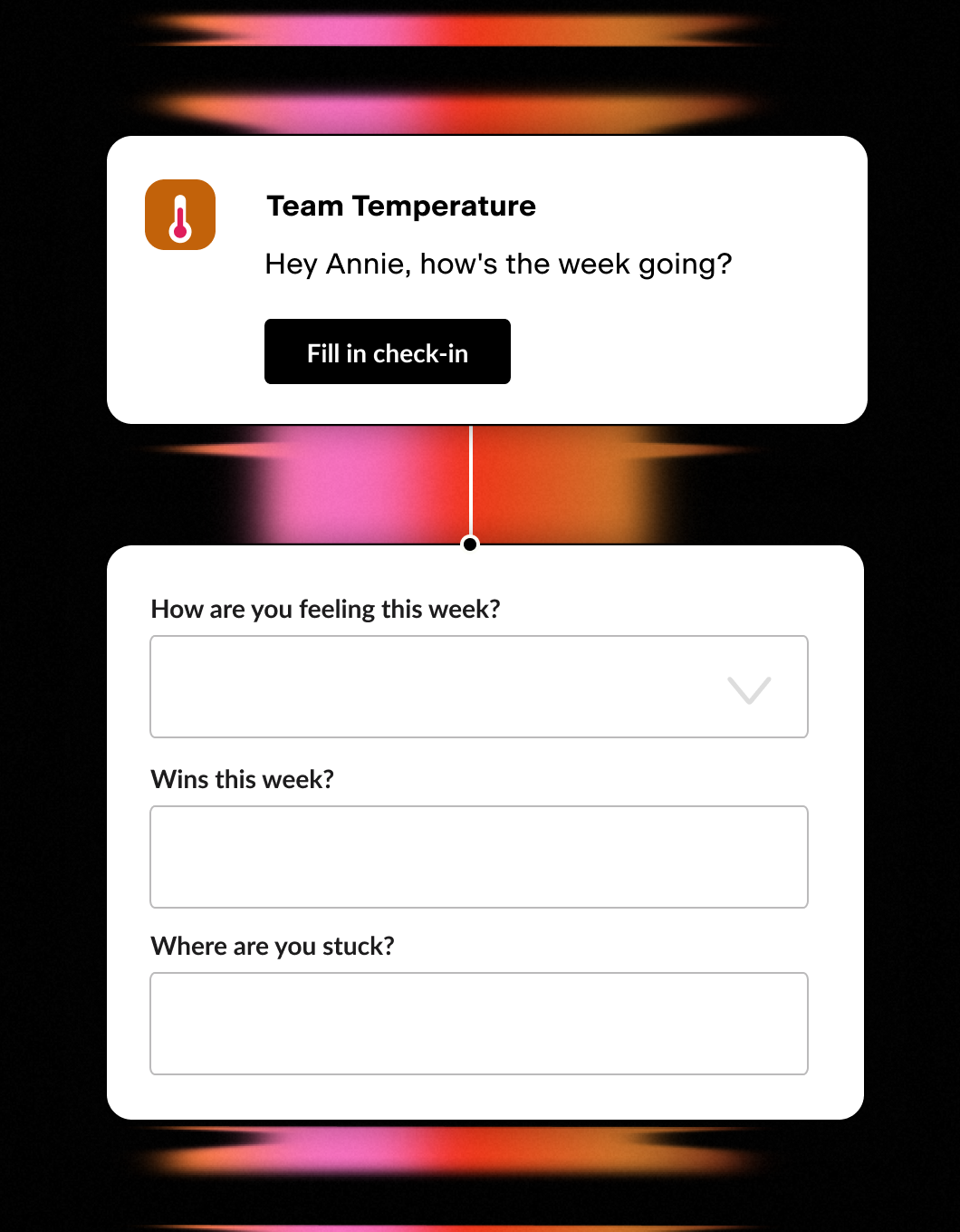
Weekly Two-Minute Poll
- One quick Slack DM a week
- Morale score plus a couple of questions
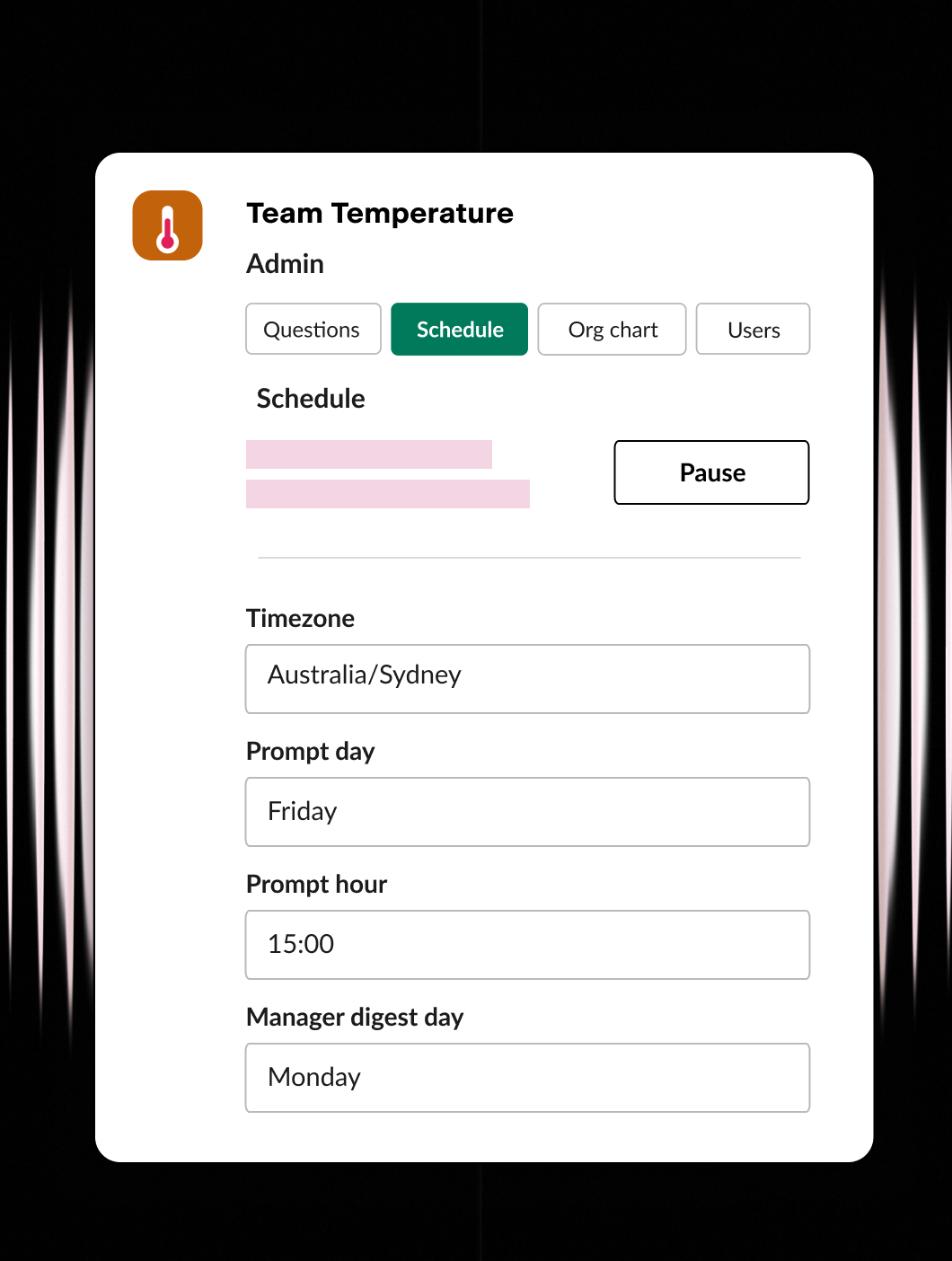
Set it up your way
- Ask the questions that matter
- Set the day, time, and timezone
- Configure users and org chart
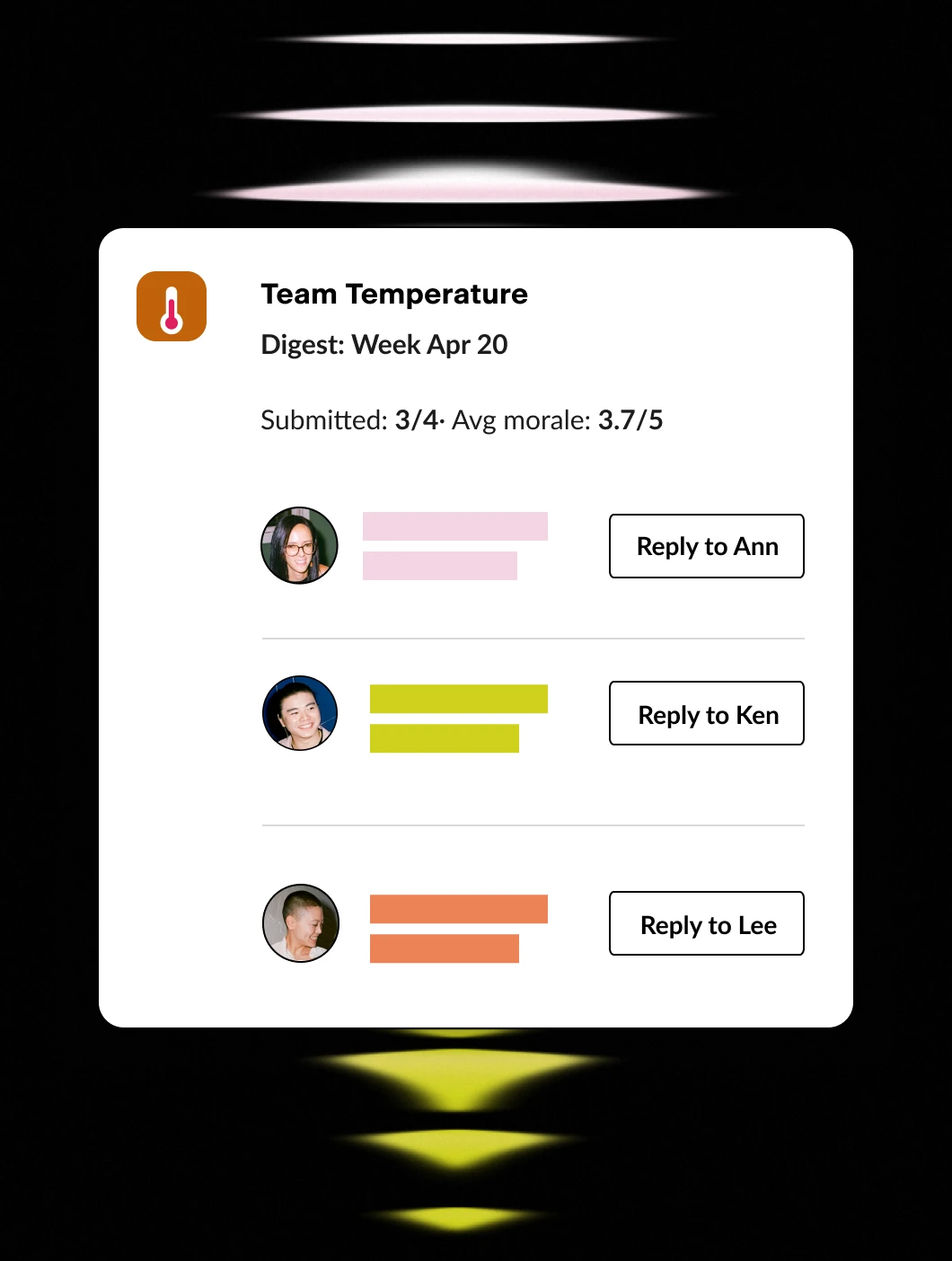
Stay in the know
- Weekly digest for managers
- One-click reply to anyone
- Company-wide rollups for HR / CEO
Every employee moment, ready to trigger an automation.
Pyn knows when the moments that matter happen — someone joins, gets promoted, changes teams, goes on leave, or leaves. AutomateNow runs the workflows that turn those moments into action. Connect the two, and each lifecycle event becomes the trigger for whatever you’ve built.
Connect AutomateNow to Pyn, and every key event can set off a workflow.
What it does
Pyn can fire a webhook to AutomateNow as a step inside any Flow. That request carries employee data tokens — the employee’s name, role, team, start date, and any other relevant details — straight into your workflow.
From there, AutomateNow takes over, running whatever you’ve built the moment Pyn detects the event, with the employee’s data already in hand.
What you can automate
Onboarding provisioning — When a new hire is enrolled, Pyn can trigger a workflow to create accounts, order equipment, or add the employee to the right systems — with their name, start date, and job title already in the payload. The process starts without anyone in HR kicking it off.
Offboarding and access revocation — When a departure is recorded in your HRIS, Pyn can trigger a workflow to revoke access, archive accounts, or notify the right teams. The same consistent process every time — no chasing, no gaps.
Role changes and permission updates — A promotion or team transfer often means a change downstream. Pyn can trigger a workflow the moment a role change is recorded, so the right systems update without HR having to flag it separately.
Anything in your workflow library — Any lifecycle moment in Pyn can drive whatever your AutomateNow workflow does next — across the tools and systems your team already runs.
How to connect
How does Pyn connect to AutomateNow?
Pyn fires a webhook as a step inside a Flow. You point that step at an AutomateNow webhook trigger, and the workflow runs whenever Pyn detects the event.
FAQs
Can I include employee details like name and start date in the workflow?
Yes. Pyn tokens pull in employee data from your connected HRIS, so the webhook payload can include the employee’s name, start date, job title, team, and more — as long as that data exists in your HRIS or ATS.
Can I trigger multiple workflows from a single Flow?
Yes. You can add multiple webhook steps to a single Flow, each pointing to a different AutomateNow workflow. One enrollment can trigger automations across several systems simultaneously.
Can I use this for automations other than onboarding?
Yes. Any Pyn Flow can include a webhook step — for offboarding, role transitions, parental leave, or any lifecycle moment that requires action in another system.
Does Pyn support other automation platforms?
Yes. The same webhook approach drives Zapier, n8n, or your own systems.
Does Pyn also integrate with other tools in my employee journey?
Yes. Most teams pair AutomateNow with their HRIS connection — which provides the employee data that determines when Flows trigger — and their Slack or Microsoft Teams connection for message delivery.
Your HR stack, with superpowers.
Pick the tools you need. Launch in a day. Cancel anytime.