 $1 / employee / month
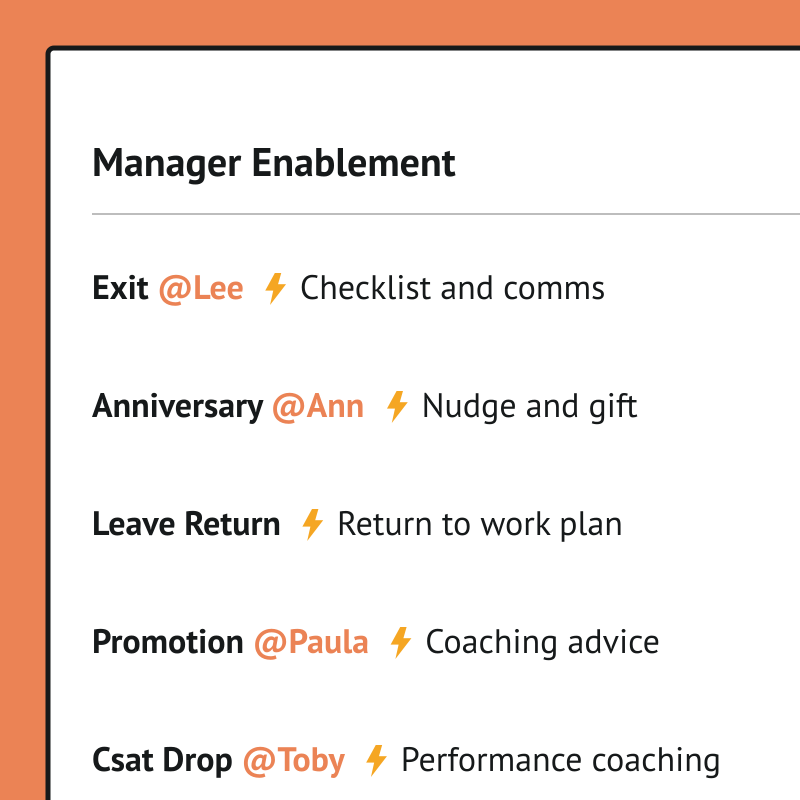
Manager Nudges Using AutomateNow
Set every manager up to succeed, at every moment that matters.
Top brands trust Pyn


Pyn lets people teams scale manager development by delivering the right guidance automatically, so managers can support their teams better at the moments that count. Because learning arrives at the point of need, it sticks and gets applied, producing stronger, more consistent managers without anyone chasing each touchpoint.
Because Pyn connects to AutomateNow, any moment in the employee journey can fire a workflow — and any workflow can fire back into Pyn. From there every message is personalized by role, team, and location, delivered where people already work — and nothing slips.
The payoff is better-supported managers at no extra headcount. Timely nudges for 1:1s, career conversations, reviews, and leave transitions mean nothing slips, and the team sets it up once and trusts it to run.
Features Spotlight
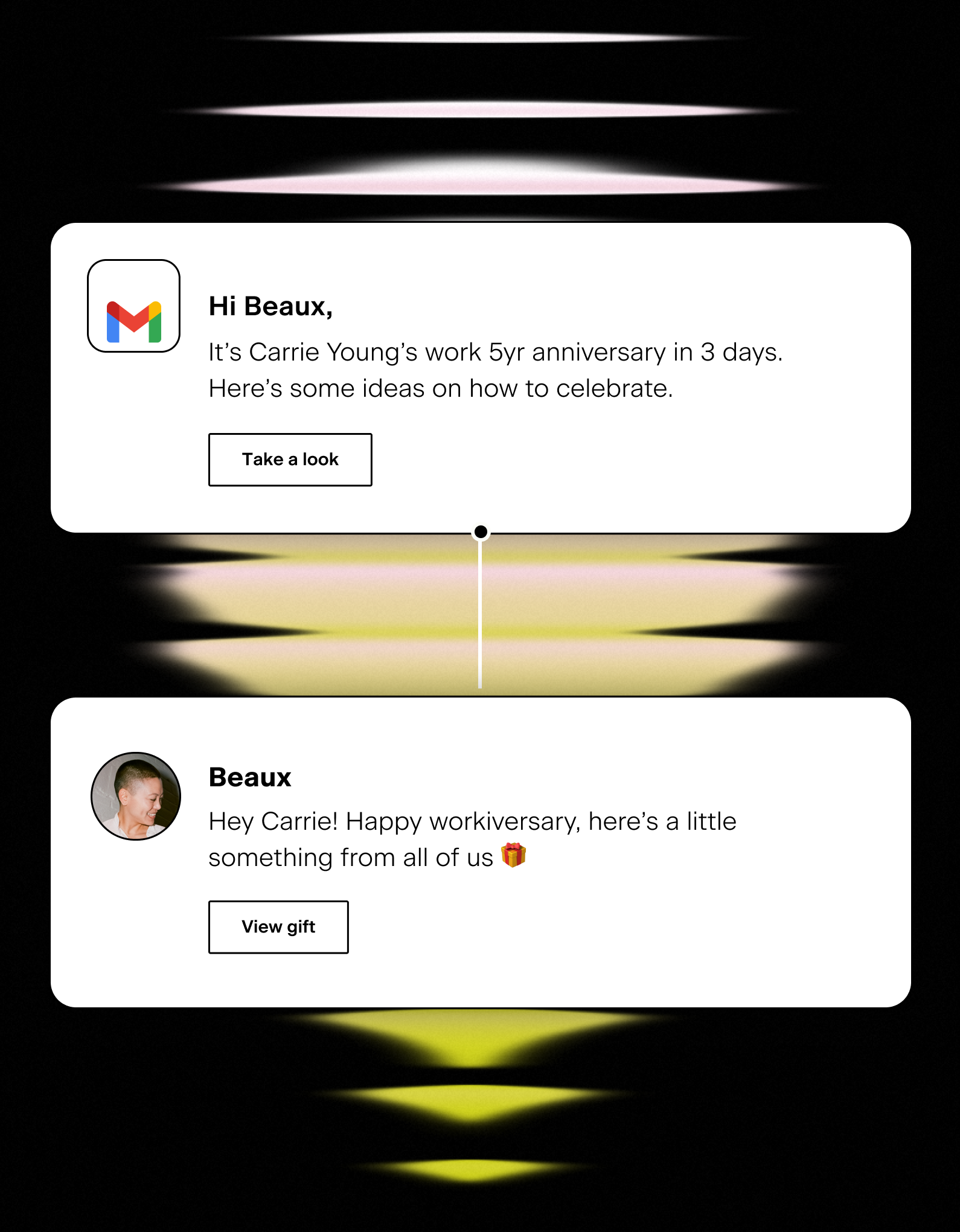
Track important team moments
- Empower managers to customize onboarding comms
- Reminders for upcoming holidays, observances, birthdays and anniversaries
- Timely parental or medical leave instructions

Help managers be great coaches
- Reminders for career conversations with direct reports
- Guidance through salary and performance review discussions
- Support transitions or level changes of team members
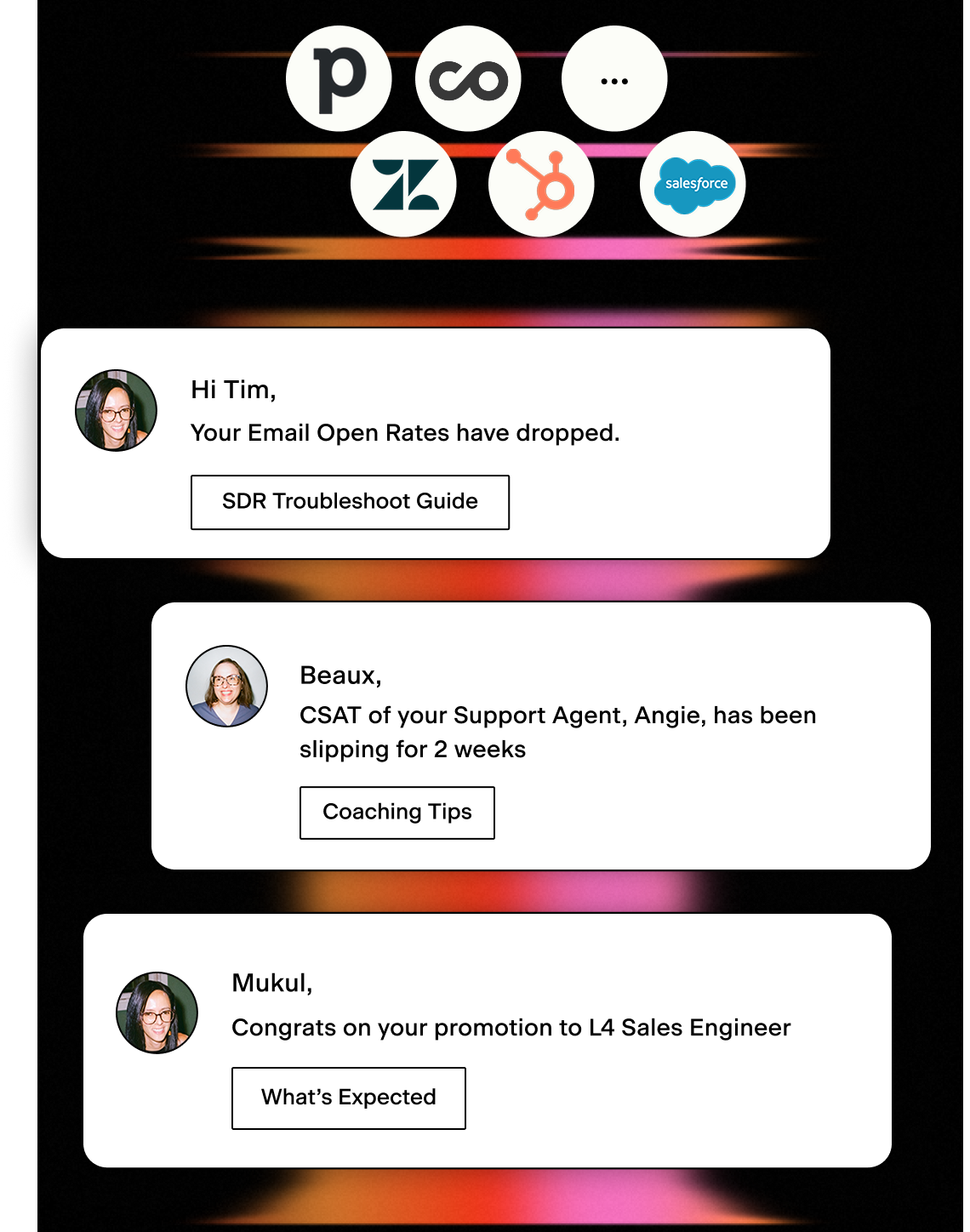
Act on critical performance data
- Identify early warning signs and proactively manage performance
- Prompt the right actions at the right time
- Integrate your Sales or Support Platforms
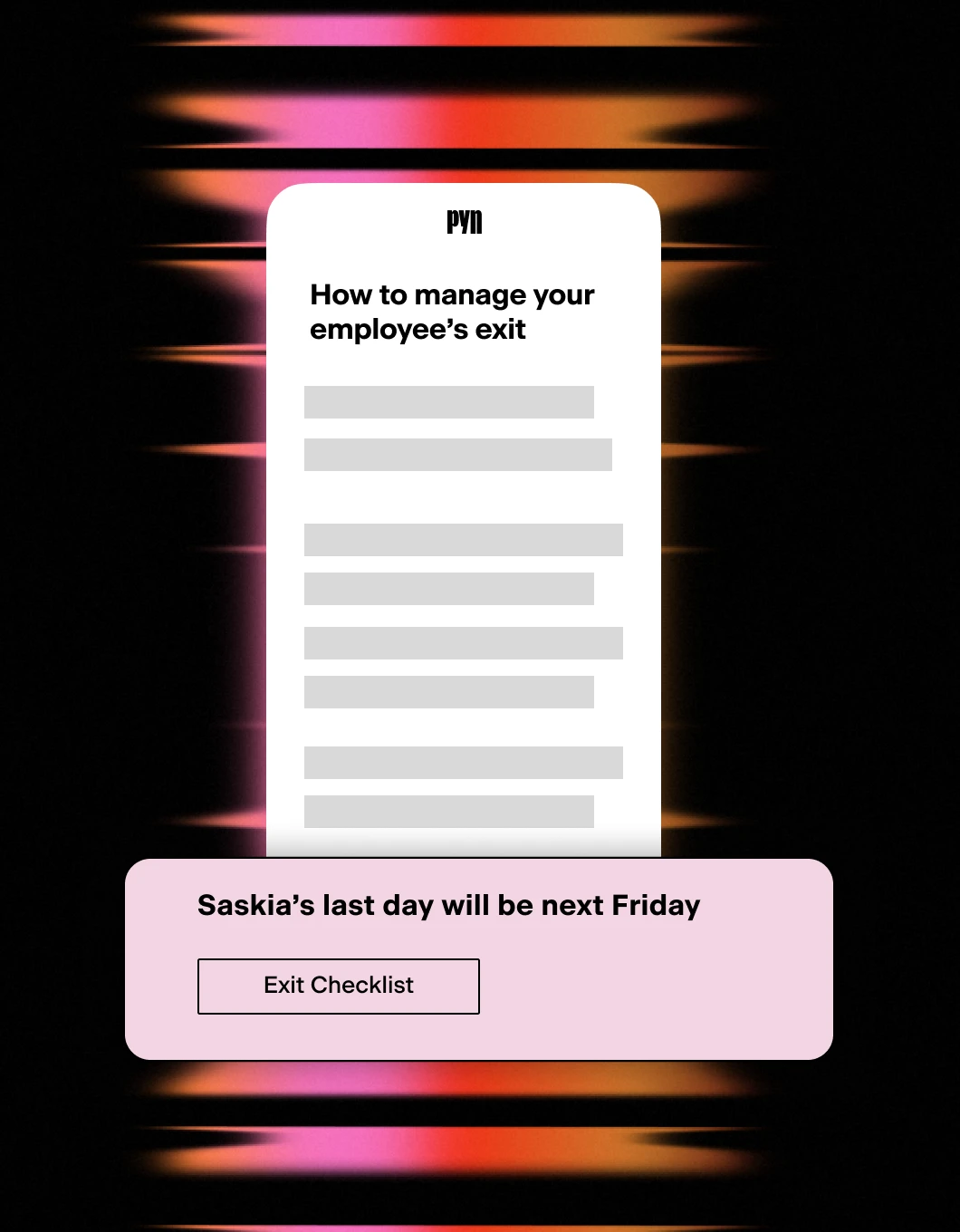
Exits and key transitions
- Support managers through challenging moments
- Drive consistency across employee exits
- Track compliance and handovers
Every employee moment, ready to trigger an automation.
Pyn knows when the moments that matter happen — someone joins, gets promoted, changes teams, goes on leave, or leaves. AutomateNow runs the workflows that turn those moments into action. Connect the two, and each lifecycle event becomes the trigger for whatever you’ve built.
Connect AutomateNow to Pyn, and every key event can set off a workflow.
What it does
Pyn can fire a webhook to AutomateNow as a step inside any Flow. That request carries employee data tokens — the employee’s name, role, team, start date, and any other relevant details — straight into your workflow.
From there, AutomateNow takes over, running whatever you’ve built the moment Pyn detects the event, with the employee’s data already in hand.
What you can automate
Onboarding provisioning — When a new hire is enrolled, Pyn can trigger a workflow to create accounts, order equipment, or add the employee to the right systems — with their name, start date, and job title already in the payload. The process starts without anyone in HR kicking it off.
Offboarding and access revocation — When a departure is recorded in your HRIS, Pyn can trigger a workflow to revoke access, archive accounts, or notify the right teams. The same consistent process every time — no chasing, no gaps.
Role changes and permission updates — A promotion or team transfer often means a change downstream. Pyn can trigger a workflow the moment a role change is recorded, so the right systems update without HR having to flag it separately.
Anything in your workflow library — Any lifecycle moment in Pyn can drive whatever your AutomateNow workflow does next — across the tools and systems your team already runs.
How to connect
How does Pyn connect to AutomateNow?
Pyn fires a webhook as a step inside a Flow. You point that step at an AutomateNow webhook trigger, and the workflow runs whenever Pyn detects the event.
FAQs
Can I include employee details like name and start date in the workflow?
Yes. Pyn tokens pull in employee data from your connected HRIS, so the webhook payload can include the employee’s name, start date, job title, team, and more — as long as that data exists in your HRIS or ATS.
Can I trigger multiple workflows from a single Flow?
Yes. You can add multiple webhook steps to a single Flow, each pointing to a different AutomateNow workflow. One enrollment can trigger automations across several systems simultaneously.
Can I use this for automations other than onboarding?
Yes. Any Pyn Flow can include a webhook step — for offboarding, role transitions, parental leave, or any lifecycle moment that requires action in another system.
Does Pyn support other automation platforms?
Yes. The same webhook approach drives Zapier, n8n, or your own systems.
Does Pyn also integrate with other tools in my employee journey?
Yes. Most teams pair AutomateNow with their HRIS connection — which provides the employee data that determines when Flows trigger — and their Slack or Microsoft Teams connection for message delivery.
Your HR stack, with superpowers.
Pick the tools you need. Launch in a day. Cancel anytime.